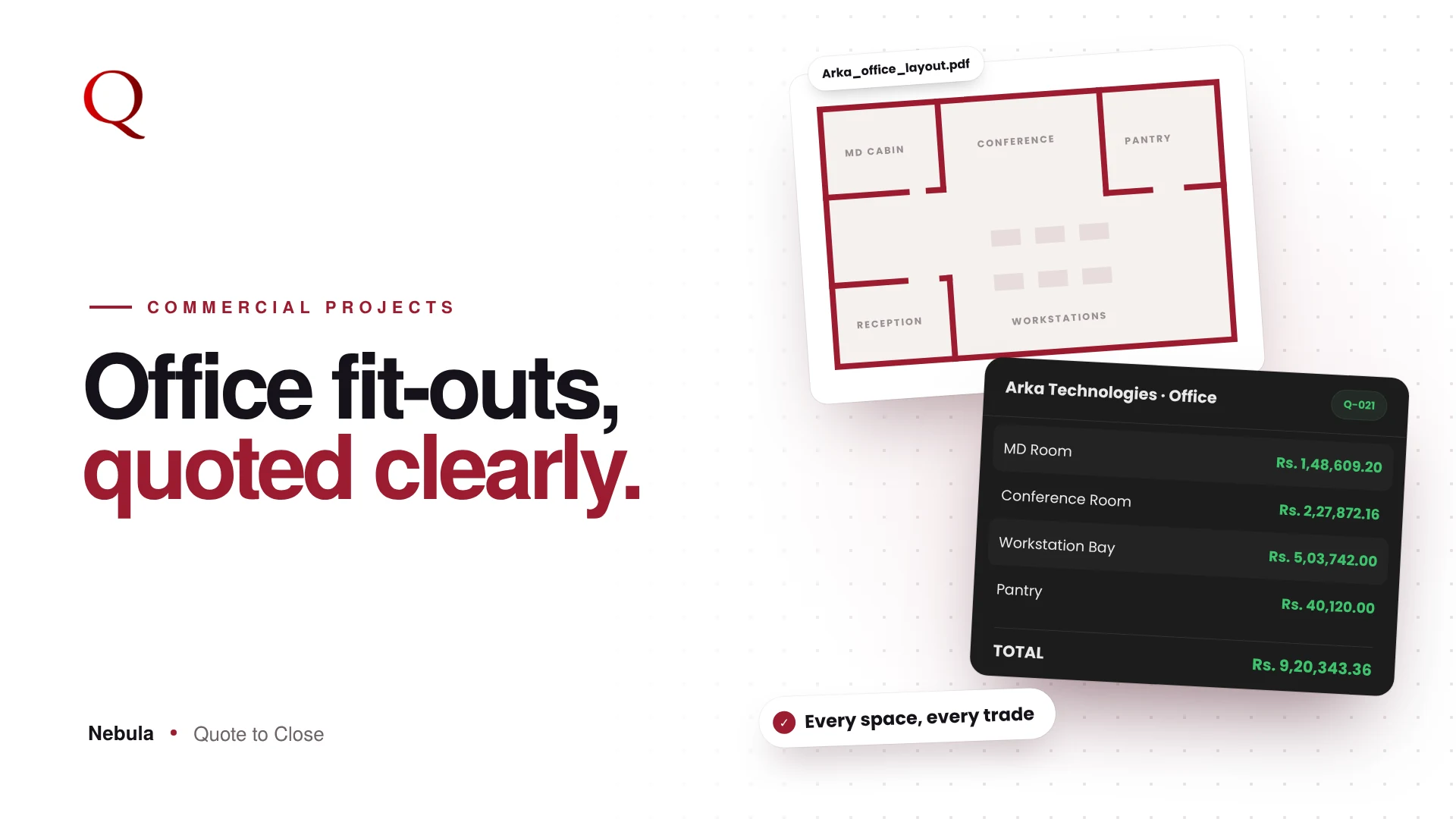
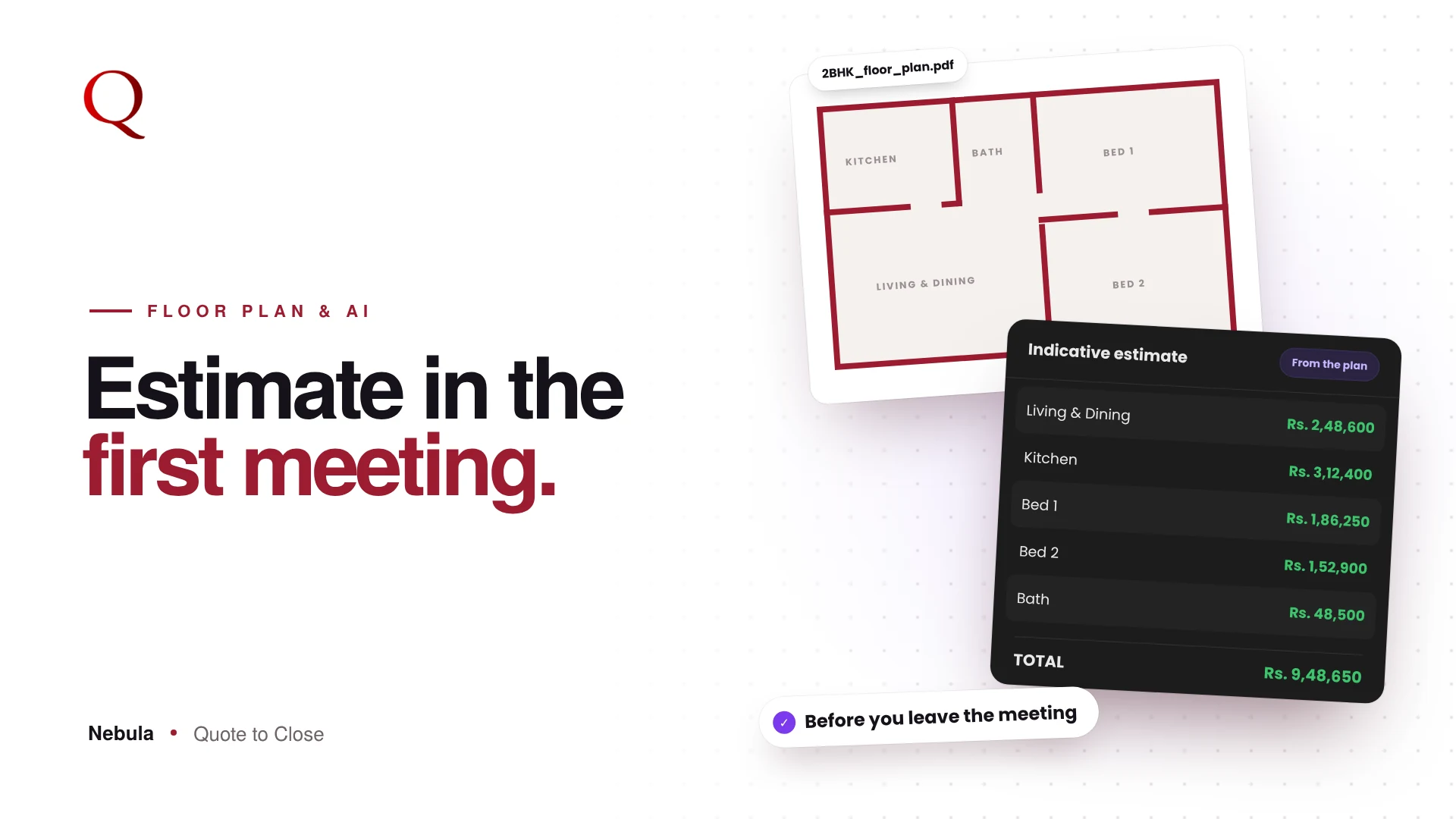
Software for interior designers should understand interior work before you teach it anything. Generic quotation and invoicing apps are built for any business. They know nothing about a false ceiling, a modular kitchen or a site visit. Nebula is set up for interior design from the first screen.
What generic software makes you do
With a general-purpose quotation or invoicing tool, the setup is on you:
- Build your own list of rooms and categories
- Remember which items each room usually needs
- Invent pipeline stages that fit your projects
- Rebuild the same structure for every new quote
That setup takes days, and it is easy to give up before the tool becomes useful.
An interior setup from day one
When a studio signs up, it chooses its industry. The interior design setup, shown as the Interior Design badge in the top bar, shapes the whole app:
- Preset rooms, such as Workstation Area, Cabin, MD Room, Conference Room, Reception, Pantry and Server Room
- Suggested items for the selected room, which you can add or dismiss
- Work categories in the library: Interior, Furniture, Electrical, Data and Networking, HVAC, Fire and Safety, and CCTV
- CRM stages from Lead and Site Visit to Execution and Completed

Knowledge the AI uses
The same setup carries industry knowledge the Floor Plan Analyzer uses: which items each room type always, usually or optionally needs, how quantities are worked out, and charges most projects include, such as transport, design, scaffolding and housekeeping.
Your studio profile on every quote
During onboarding you add your company name, address, logo, GSTIN and PAN, and Nebula checks the GSTIN and PAN formats. They appear on every quote automatically.
Why the interior knowledge matters for your quotes
This built-in knowledge is what makes the core flow work. When you upload a floor plan, the analyzer knows that a kitchen needs a countertop and a bedroom usually needs a wardrobe, so the draft BOQ is close to complete. Your library adds your rates, and Preview presents it all as a branded, room-wise PDF with your studio details. The result is a quote that is both complete and client-ready, with far less typing.
Why this wins projects
Software that speaks your language gets you to a complete, correct quote faster, and a complete quote leaves fewer gaps for a client to question.
Questions studios ask
Can I add my own rooms?
Yes. Pick a preset room or type your own name for it.
Can I ignore suggested items?
Yes. Suggestions can be added or dismissed; nothing is added without you.
Do my company details appear automatically?
Yes. Your name, address, logo, GSTIN and PAN from onboarding appear on every quote.
Read next
- Floor Plan to BOQ in Minutes: How Nebula's AI Floor Plan Analyzer Works
- Room-Wise BOQ Format for Interiors: A Quote Clients Actually Understand
A designer's note
General-purpose tools push the setup work onto the user: build your own categories, invent your own stages, remember your own checklists. I wanted the opposite. Nebula arrives already knowing what an interior project looks like, so you start by quoting, not by configuring. Good defaults are a form of respect for the user's time.
Try Nebula: jetrow.in/products/nebula