An office interior BOQ format has to work for readers who were never in the meeting. Office fit-outs are a different kind of client. Decisions involve founders, admin managers and sometimes a procurement team. Quotes are compared line by line, and clarity often matters as much as price.
The office interior BOQ format, section by section
A clear office BOQ usually follows this order:
- Header: your studio details and GSTIN, the client company, site address, date and version
- Spaces: one section each for Reception, Workstation Area, Cabins, MD Room, Conference Room, Pantry and Server Room
- Services: electrical, data and networking, HVAC, fire and safety, and CCTV, either within each space or as their own sections
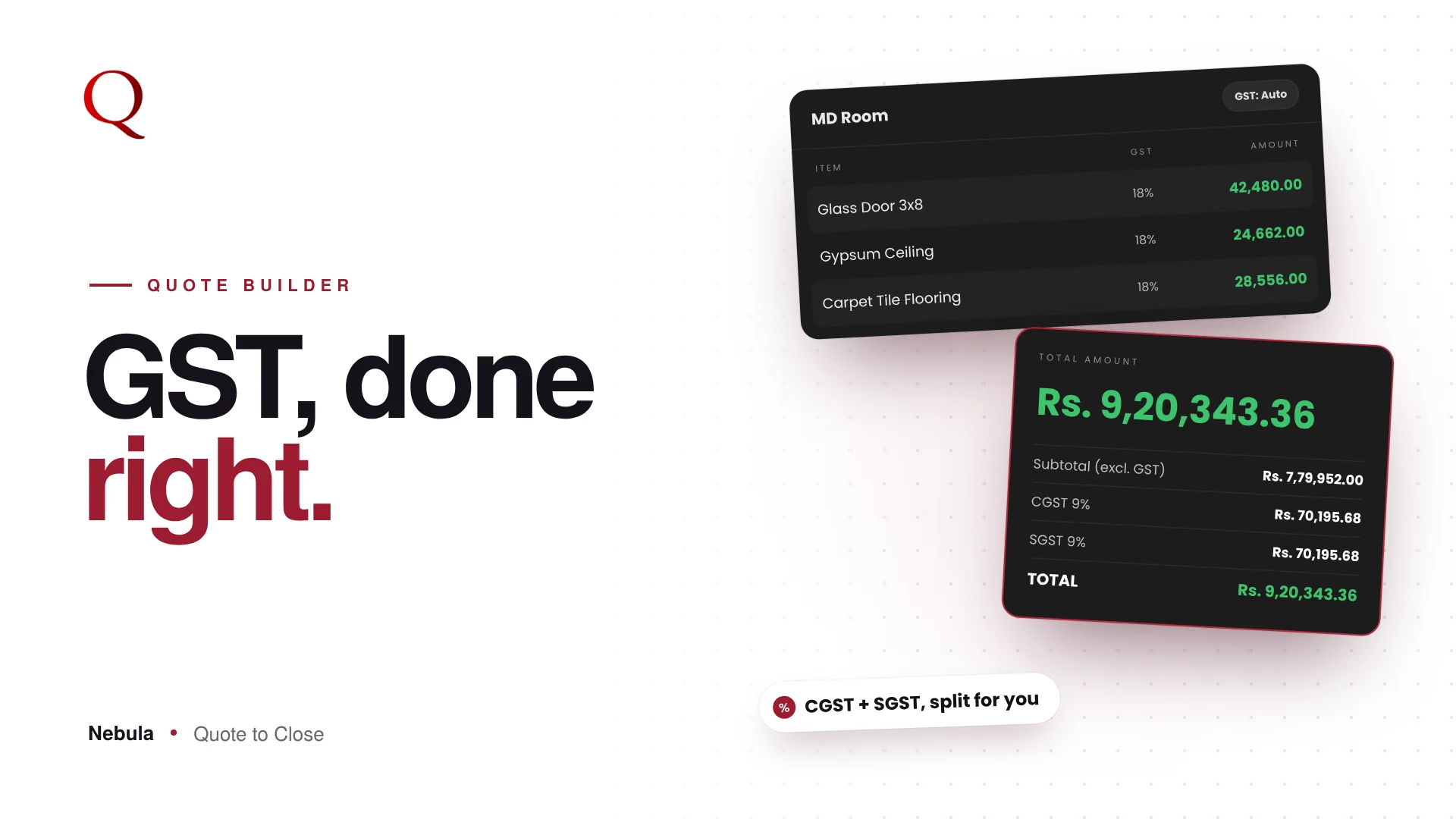
- Summary: subtotal, GST split into CGST and SGST, grand total
- Terms: payment stages, timelines and validity
This is the structure Nebula builds by default.
Build by space
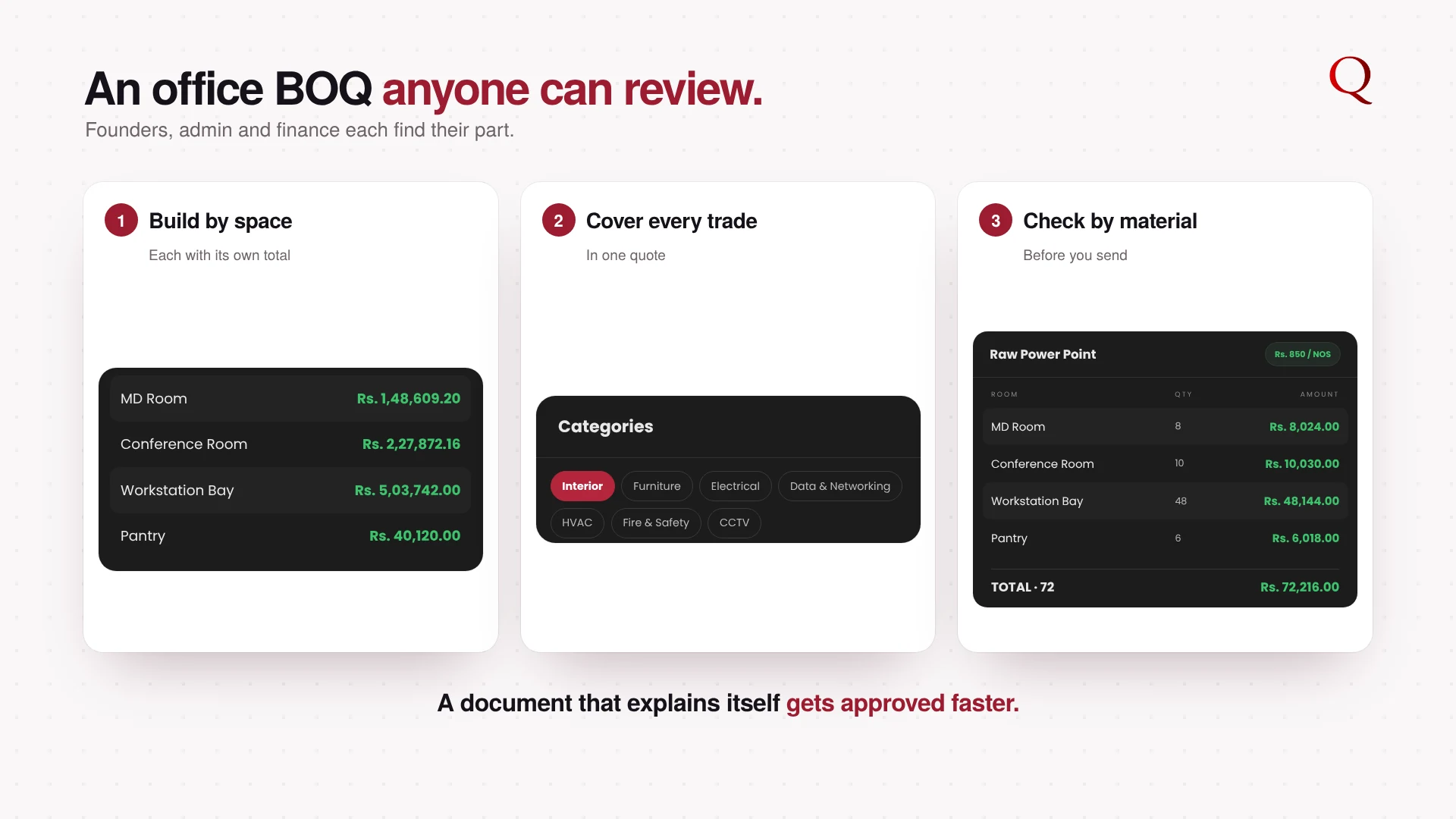
Start with the office's real spaces. Nebula's preset rooms include Workstation Area, Cabin, MD Room, Conference Room, Reception, Pantry and Server Room. Each gets its own items and total, so every stakeholder can find the part they care about.
Cover every category
Office work goes beyond interiors. Nebula's library categories include Electrical, Data and Networking, HVAC, Fire and Safety, and CCTV, so power points, network switches and safety items sit in the same quote.
Check totals by material
Before sending, switch to Group View to see each material across all spaces: total glass partition, total carpet tiles, total power points. It is the fastest way to catch a missing room or a doubled quantity.
Present it well
In Preview, show HSN/SAC codes and the GST split if the client's accounts team needs them, add a cover page in Design Studio, and set clear payment terms.
From the office floor plan to a PDF the whole team can review
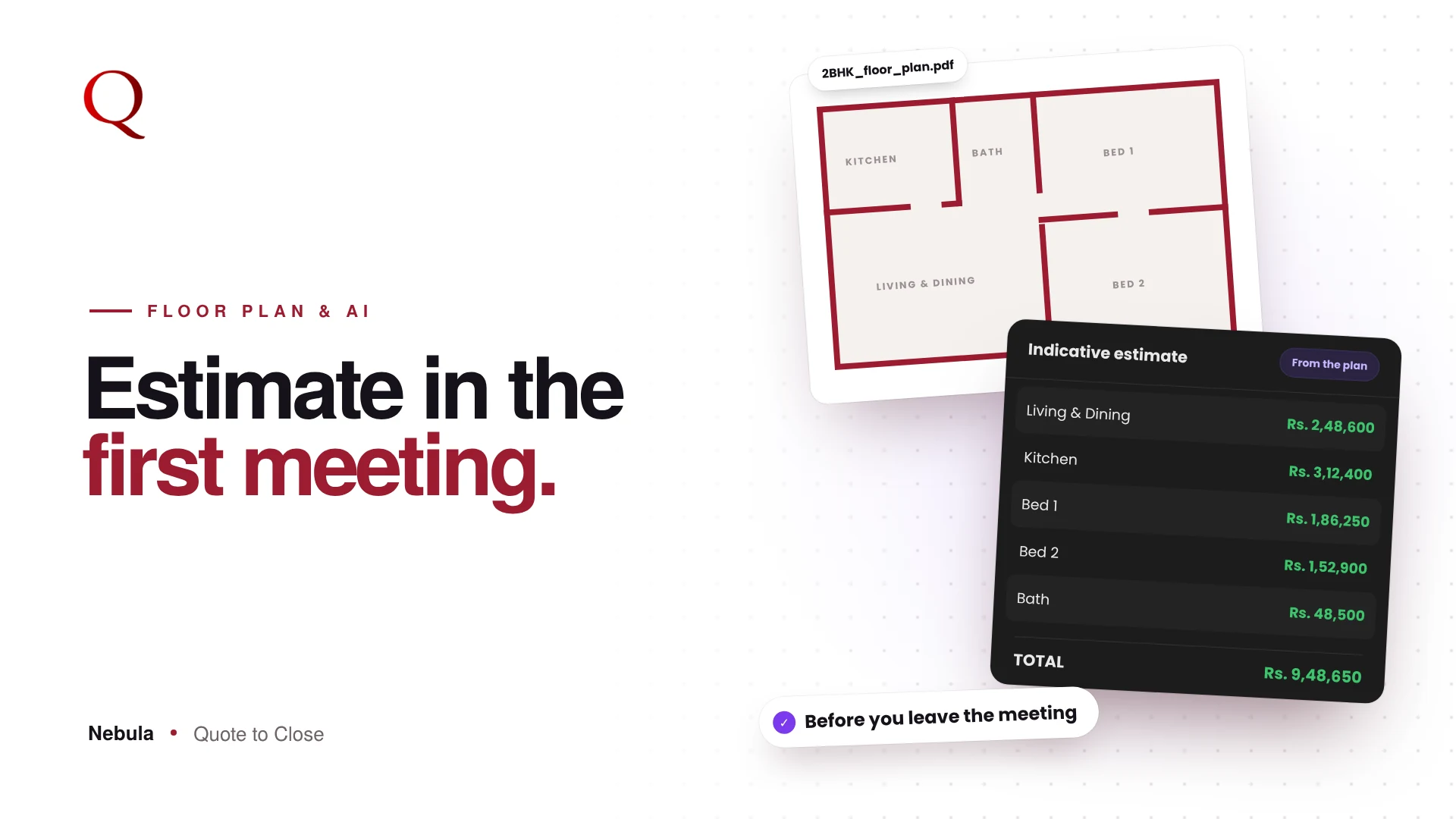
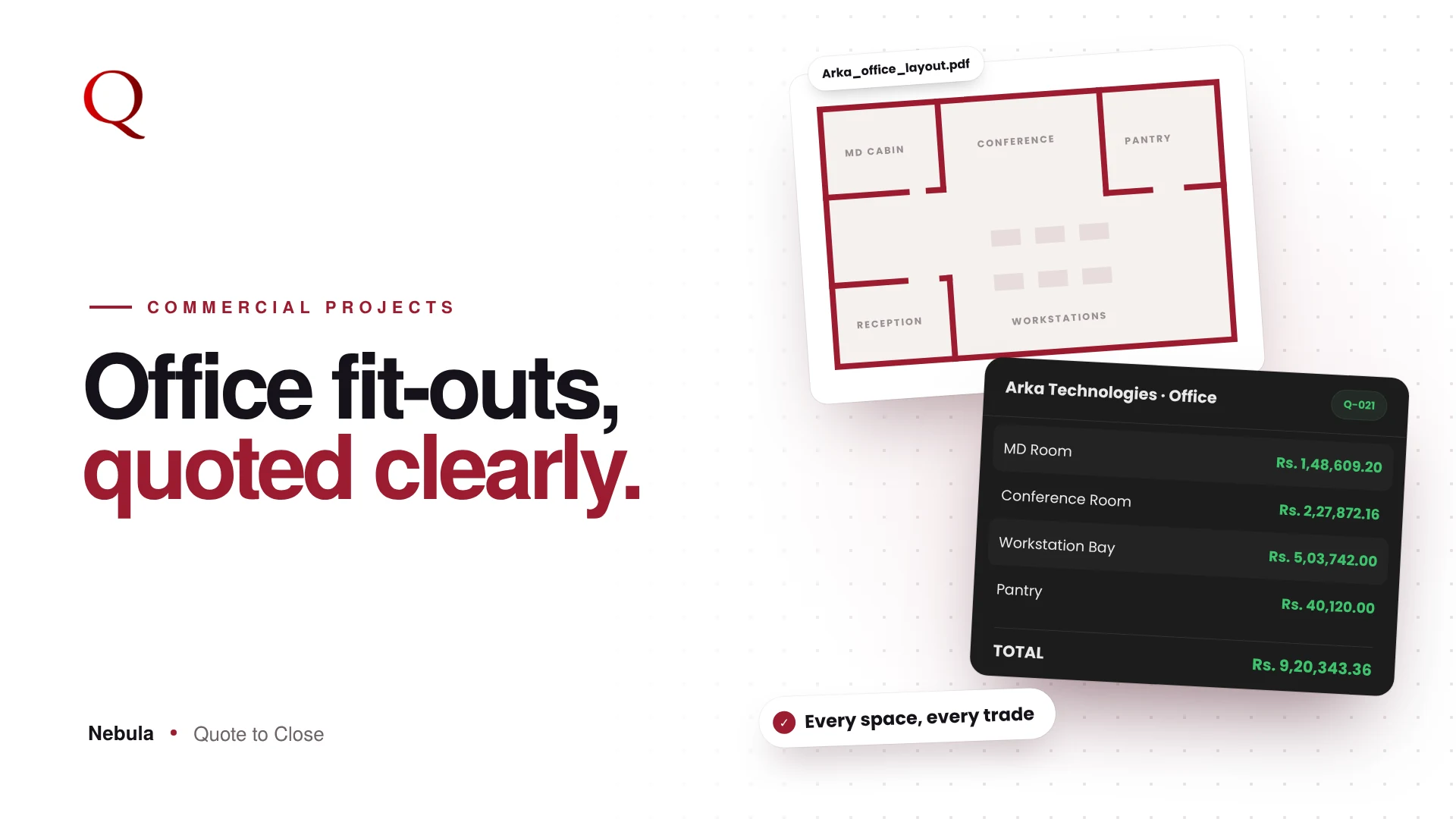
For an office, start with the layout. The Floor Plan Analyzer drafts the spaces and their materials from the plan, priced from your own library. Check the totals in Group View, then let Preview turn it into a branded PDF with each space in its own section. Founders, admin and finance each find their part quickly, and a document that is easy to review internally is easier to approve.
Why this wins projects
Commercial clients reward studios that make their review easy. A structured, complete BOQ with clear material totals signals that you can run a bigger project without surprises.
Questions studios ask
Should electrical and networking be in the same BOQ?
It helps. Keeping every category in one quote gives the client a single, complete number.
Does the accounts team need HSN/SAC codes?
Often, yes. Turn on the HSN/SAC toggle in Preview when they ask for them.
How do I avoid double-counting across spaces?
Use Group View before sending to check each material's total across all spaces.
Read next
- Commercial Interior BOQ Software: Never Miss an Item on Large Projects
- Material Quantity Takeoff for Interiors: Every Material, Every Room
A designer's note
Commercial quotes are read by people who were not in the first meeting: finance, admin, sometimes a board. I designed Nebula's quote structure so that anyone can find their part in seconds, whether that is their own cabin, the electrical line or the tax. When the document explains itself, your contact can champion it internally without you in the room.
Try Nebula: jetrow.in/products/nebula