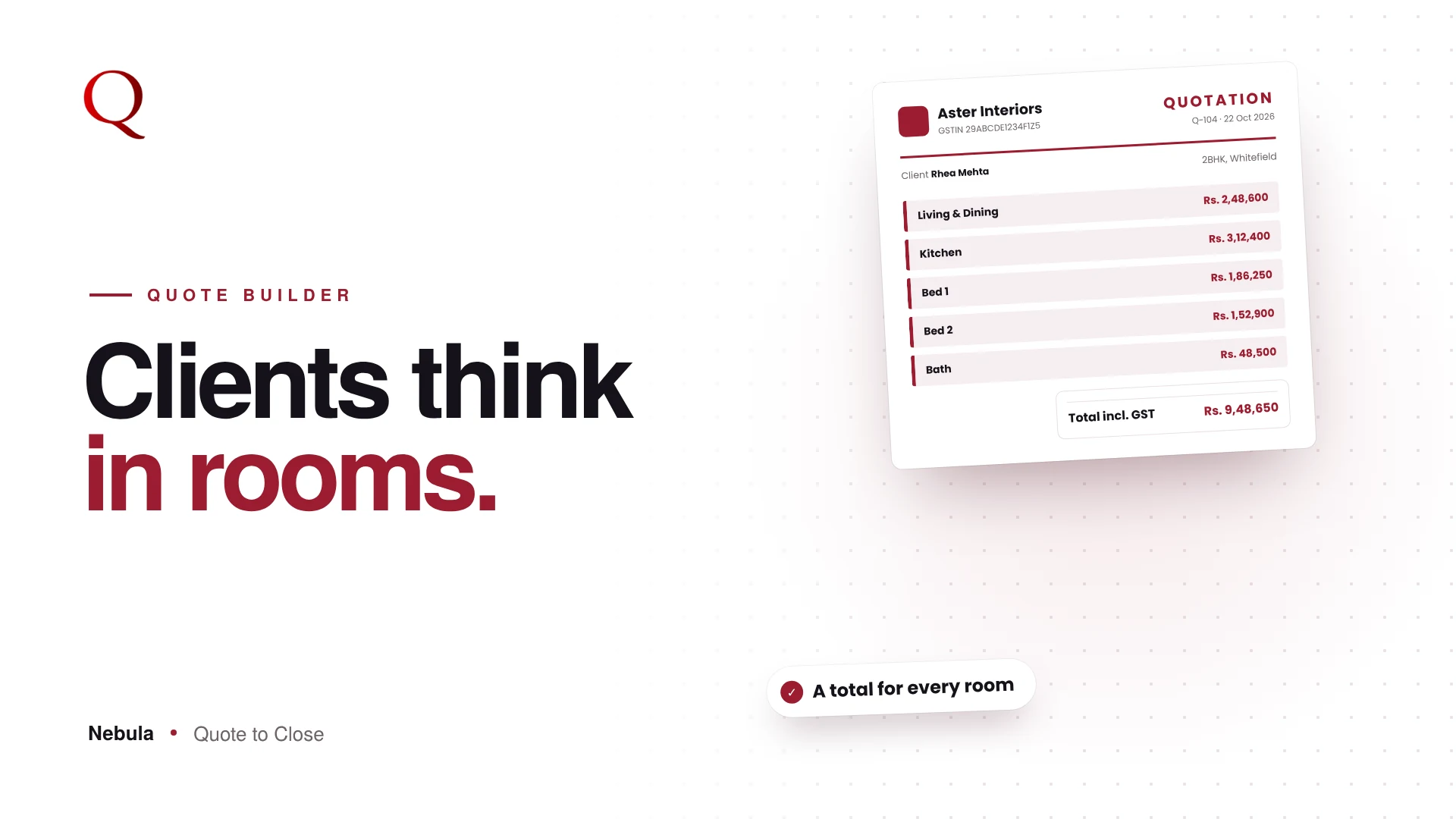
A room-wise BOQ format is the clearest way to price an interior project, because it matches how clients think. A client planning a home does not think, "I need 400 square feet of tiles." They think, "What will the living room cost? And the kitchen?" A long list of materials hides that answer. A room-wise BOQ shows it.
The room-wise BOQ format for interiors
A good room-wise BOQ for an interior project has three layers.
The header:
- Studio name, logo, GSTIN and address
- Client name, project name and date
- Quote number and version
One section per room, each with these columns:
- Description of the item or work
- Brand or specification
- Quantity and unit, such as SFT, RFT or Nos
- Rate and GST %
- Amount, with a subtotal for the room
The summary:
- Subtotal of all rooms
- GST, split into CGST and SGST
- Grand total, payment terms and validity
This is the structure every Nebula quote follows, so you never have to set it up.
Rooms first, materials under each room
In Nebula, every quote is built room by room. Add a room, then add its materials: description, brand, quantity, unit, rate, GST and amount. Each room shows its own total at the top, and the Room Summary on the right lists every room with its total.
What the client receives
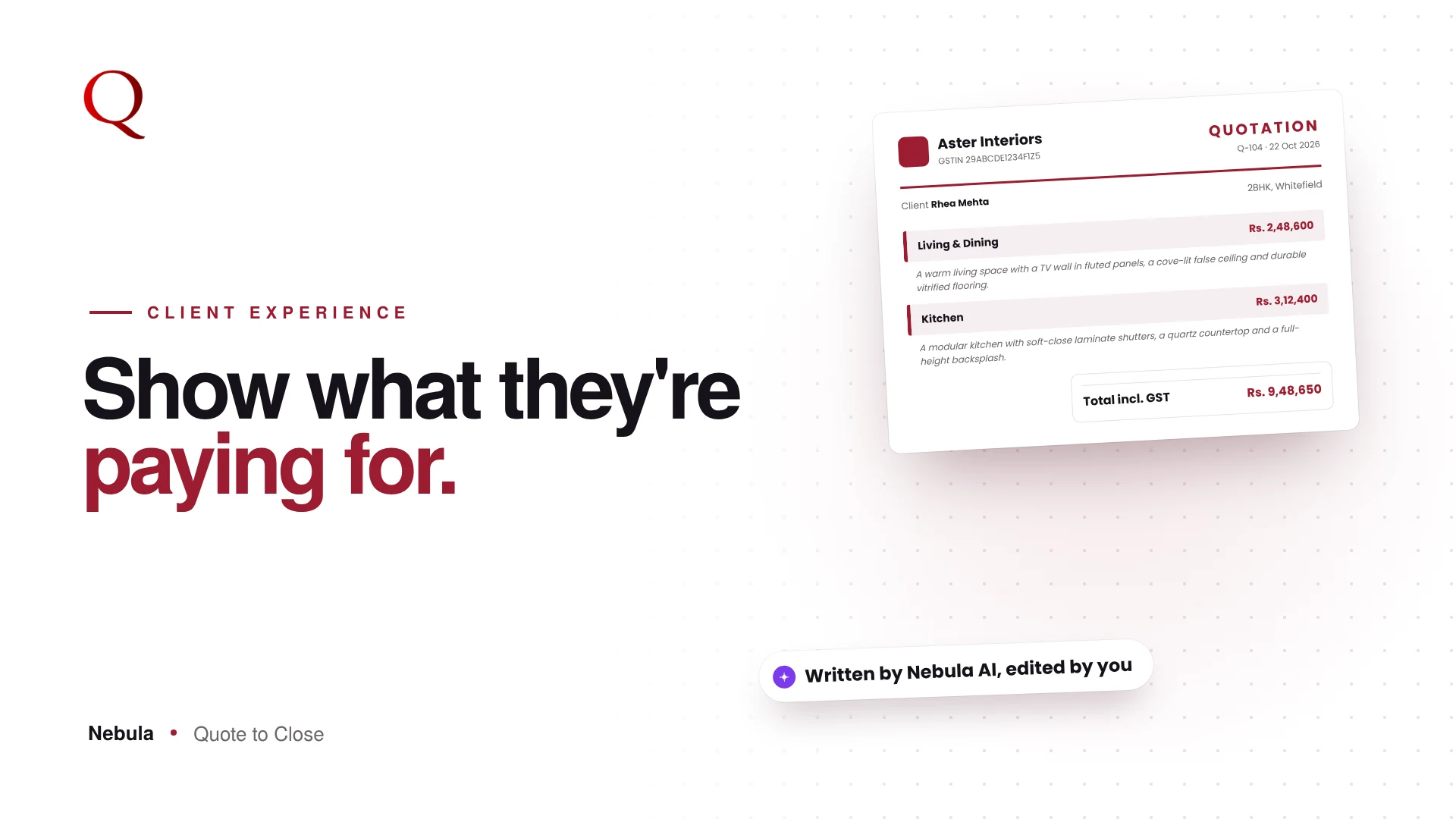
The quote PDF follows the same structure. Each room has its own section and subtotal, followed by the subtotal, CGST, SGST and grand total. The client can see at a glance where the money goes.

Room templates save time
You quote similar rooms again and again: a master bedroom, a modular kitchen, an MD cabin. Save Room stores a whole room with its items as a template. Next time, add it from the Rooms tab in My Library and adjust the quantities. After you use the same items a few times, Nebula offers to save them as a room template for you.
Fill the format straight from a floor plan
You do not have to type this format row by row. Upload the floor plan and the Floor Plan Analyzer creates the rooms and suggests the materials for each, priced from your own library. Apply it to the Quote Builder, check the quantities, and Preview presents the finished BOQ in a branded template. The client gets the clear, room-wise document described above, without you building it from scratch.
Why this wins projects
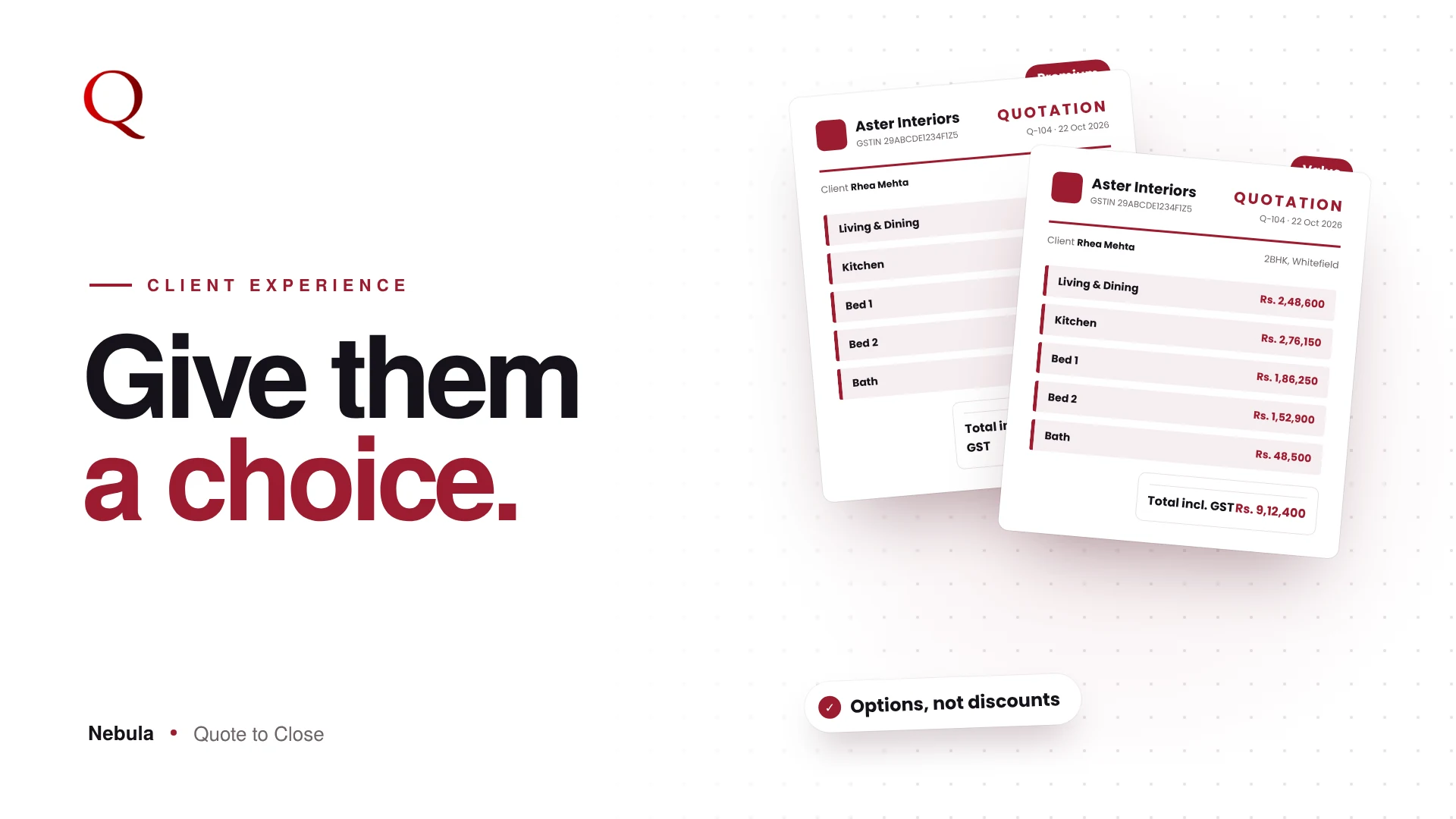
A room-wise quote makes trade-offs easy. If the budget is tight, the client can see that the guest bedroom can wait, instead of asking you to "reduce the total". That keeps the project alive and keeps the conversation about design, not discounts.
Questions studios ask
Should I show unit rates to the client?
It is your choice. In Preview you can show unit rates or hide them so the client sees room totals and the grand total only.
Is a room-wise BOQ suitable for office projects?
Yes. Cabins, workstations, meeting rooms and the pantry each become a room with its own subtotal.
Can I reuse a room I have quoted before?
Yes. Save Room keeps it as a template you can add to any new quote.
Read next
- Floor Plan to BOQ in Minutes: How Nebula's AI Floor Plan Analyzer Works
- Interior Design Quotation Template: Branded Quotes That Look Premium
A designer's note
The structure of a quote shapes the conversation that follows it. A flat list of materials invites a client to haggle over a single total. A room-wise quote invites them to make choices: this room now, that room later. I made rooms the backbone of every Nebula quote because it changes the client's question from "Can you reduce it?" to "What if we phase it?", and that is a far better conversation to have.
Try Nebula: jetrow.in/products/nebula