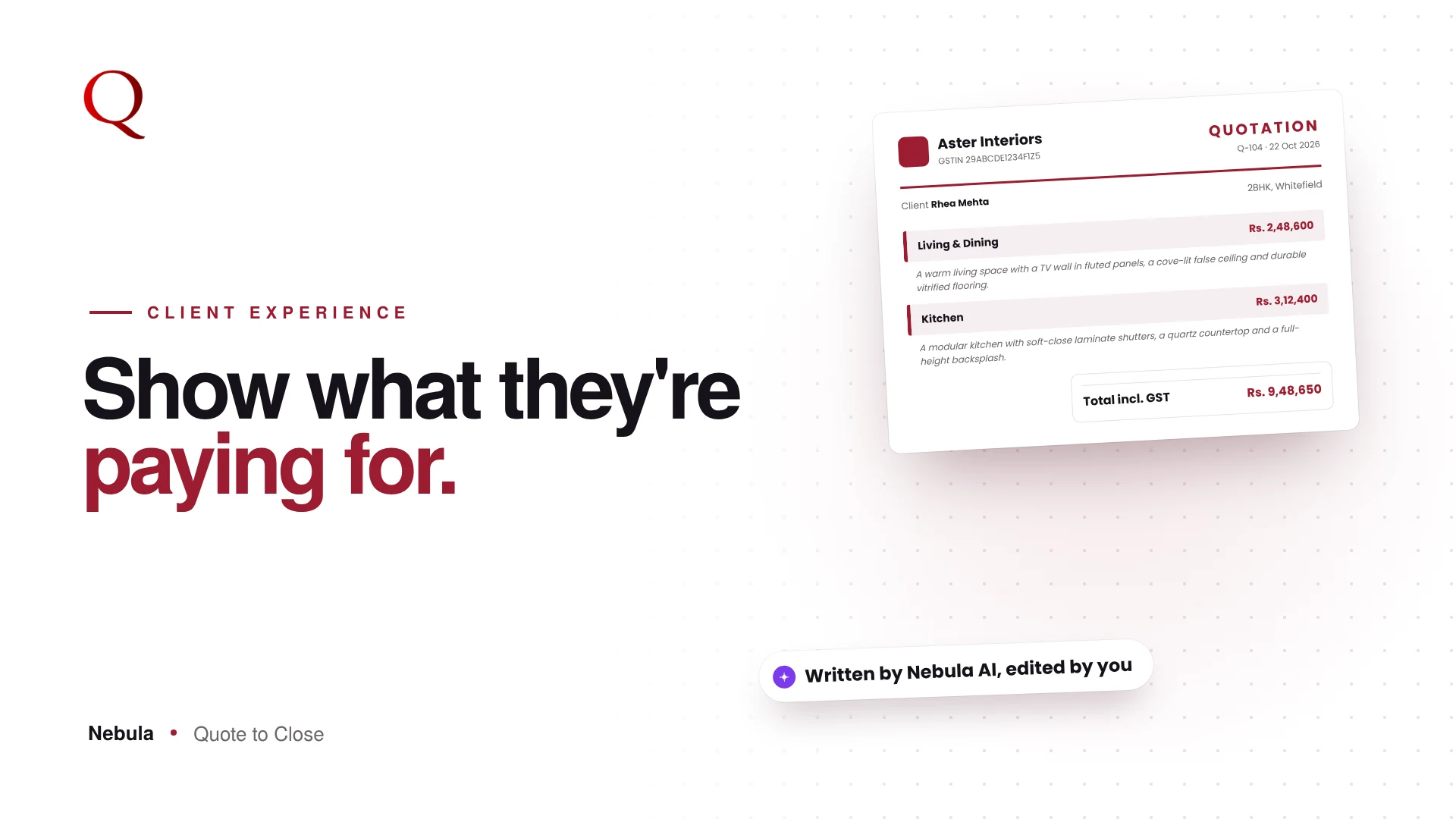
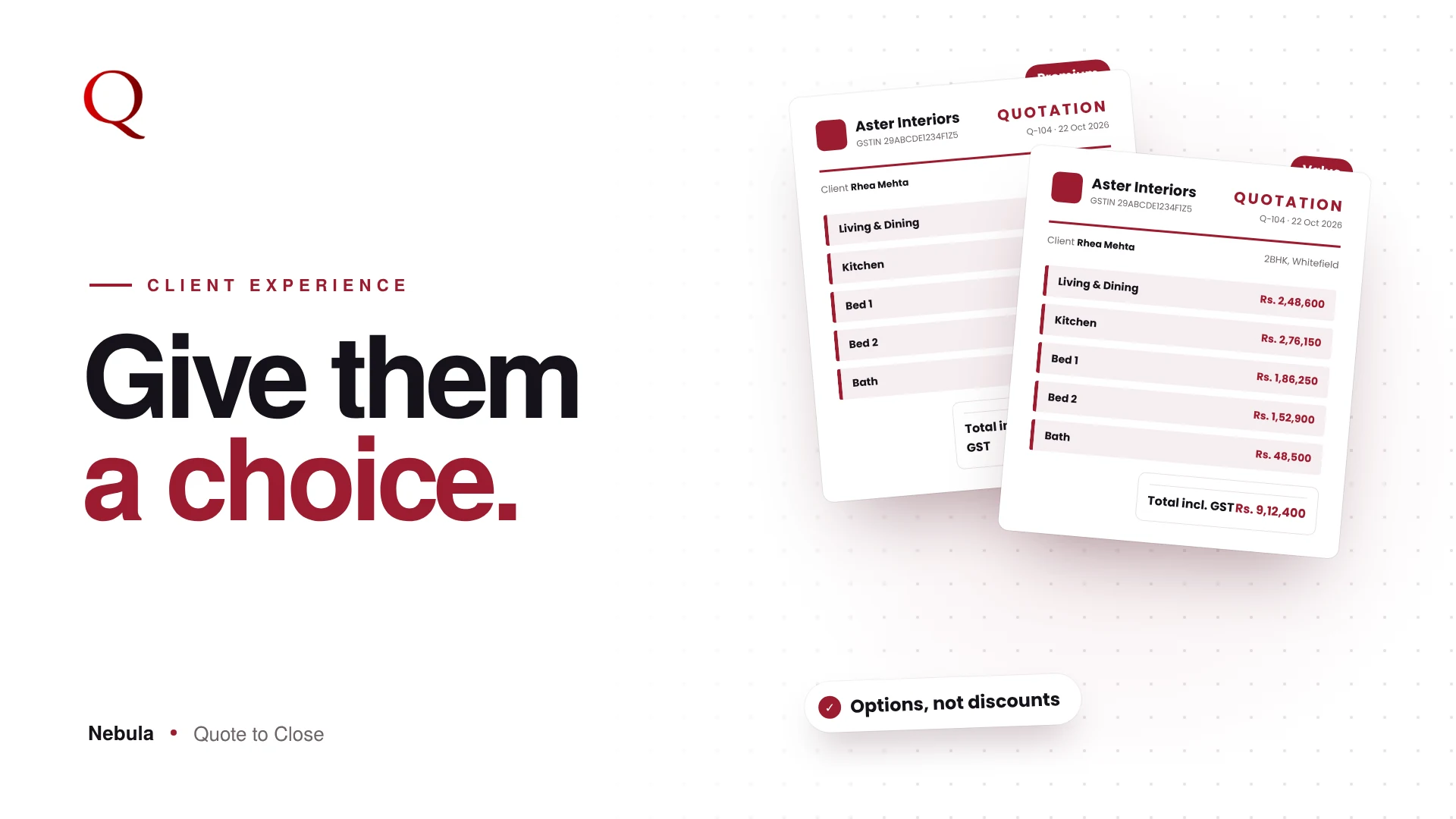
An interior design quotation template does more work than most studios realise. A client often judges a studio by its quote before seeing any of its work in person. A plain spreadsheet says "contractor". A clean, branded quote says "design studio". Nebula's Preview is where your quote becomes that document.
What a good interior design quotation template includes
Whatever tool you use, a strong quotation template for interiors has the same parts:
- Your studio's logo, name, GSTIN and address on every page
- The client's name, project and date
- Room-wise sections, each with its own subtotal
- Clear columns: description, quantity, unit, rate and amount
- A totals box with subtotal, GST and grand total
- Payment terms and validity
Nebula's templates are built around this structure, so every quote you send has it without any setup.
Choose a template
Preview shows the quote exactly as the client will receive it. Pick a PDF template from the list on the left. Your studio's logo, name, GSTIN and address appear on every page, and long rooms continue on the next page with the table header repeated.

Decide what the client sees
Toggles at the top let you show or hide:
- the Brand column
- HSN/SAC codes
- unit rates, so a client sees totals only
- the CGST and SGST breakdown
Edit any text in place
Turn on Inline Edit and click any text on the PDF to change it. A small toolbar handles bold, italic, font size, alignment, colour and highlights. Add your payment terms, such as "25% advance booking amount", and they print on the quote.
Add a cover or a poster page
+ PAGE adds a blank page for a cover, a mood board or an offer. The Design Studio lets you place shapes, headings, price tags and stamps such as Approved or Revised on any page.
A template only works if the numbers behind it are right
A beautiful template on top of a rushed BOQ does not win projects. In Nebula the content and the design come from the same flow: the Floor Plan Analyzer drafts the rooms and materials, your own library supplies the rates, GST is calculated automatically, and the template presents it all. So the PDF the client opens is both well designed and accurate, which is what makes it easy to approve.
Why this wins projects
Clients compare quotes from several studios side by side. When yours is the clearest and looks the most considered, it makes your design sense visible before the project even starts.
Questions studios ask
Can I use my own logo and colours?
Your logo, name, GSTIN and address appear on every page, and Inline Edit and the Design Studio let you adjust text, colours and add your own cover pages.
Can I hide unit rates from the client?
Yes. One toggle hides unit rates so the client sees room and grand totals only.
Do I need design software to make a cover page?
No. + PAGE and the Design Studio let you build a cover, offer or mood board page right inside Preview.
Read next
- Quote Version Control for Interior Designers: v1, v2, v3 Without Confusion
- A quote that looks like your studio
A designer's note
Interior designers sell taste, yet their quotes often look like accounting printouts. That gap bothered me. I designed Preview so the quote is treated as a designed object: real templates, real typography, and the freedom to edit anything in place without going back to a spreadsheet. A quote is often the first thing of yours a client holds. It should look like it came from a designer.
Try Nebula: jetrow.in/products/nebula