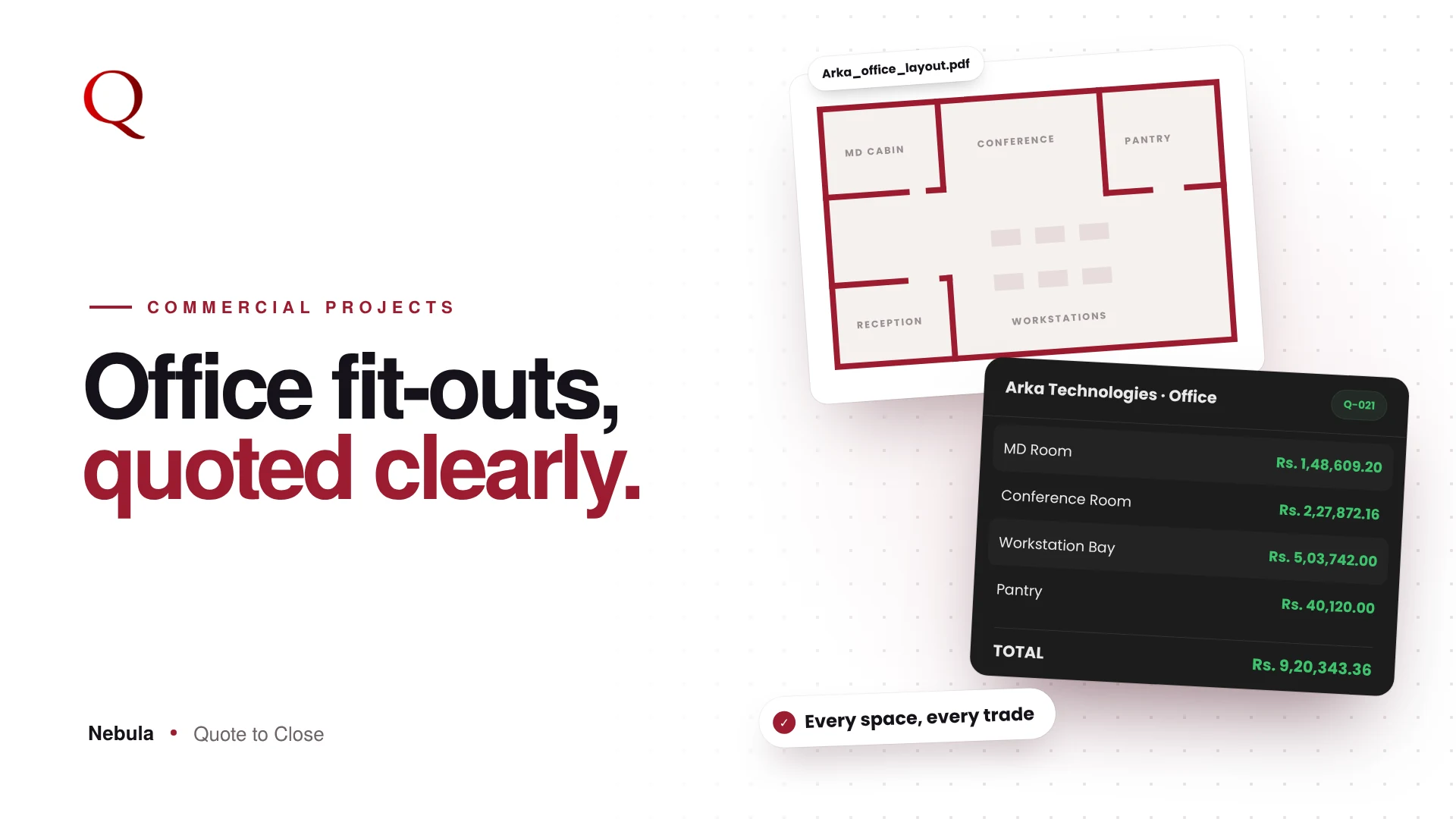
Interior design quotation software should do one job well: turn a client's brief into a clear, priced quote before the client loses interest. In interior design, the studio that sends a clear quote first often gets the first serious conversation. Yet most quotes are still built in Excel: copying rates from old files, fixing formulas, checking GST by hand. Nebula's Quote Builder was made to remove that work.
What interior design quotation software should do
Before looking at any tool, it helps to be clear about the job. A good quotation tool for an interior studio should:
- Build the quote room by room, because that is how clients think
- Price every line from your own rates, not from someone else's catalogue
- Calculate GST and totals exactly, every time
- Produce a document the client is happy to forward to their family or management
- Make revisions easy, without losing the earlier version
Nebula was designed around those five needs.
One screen, three columns
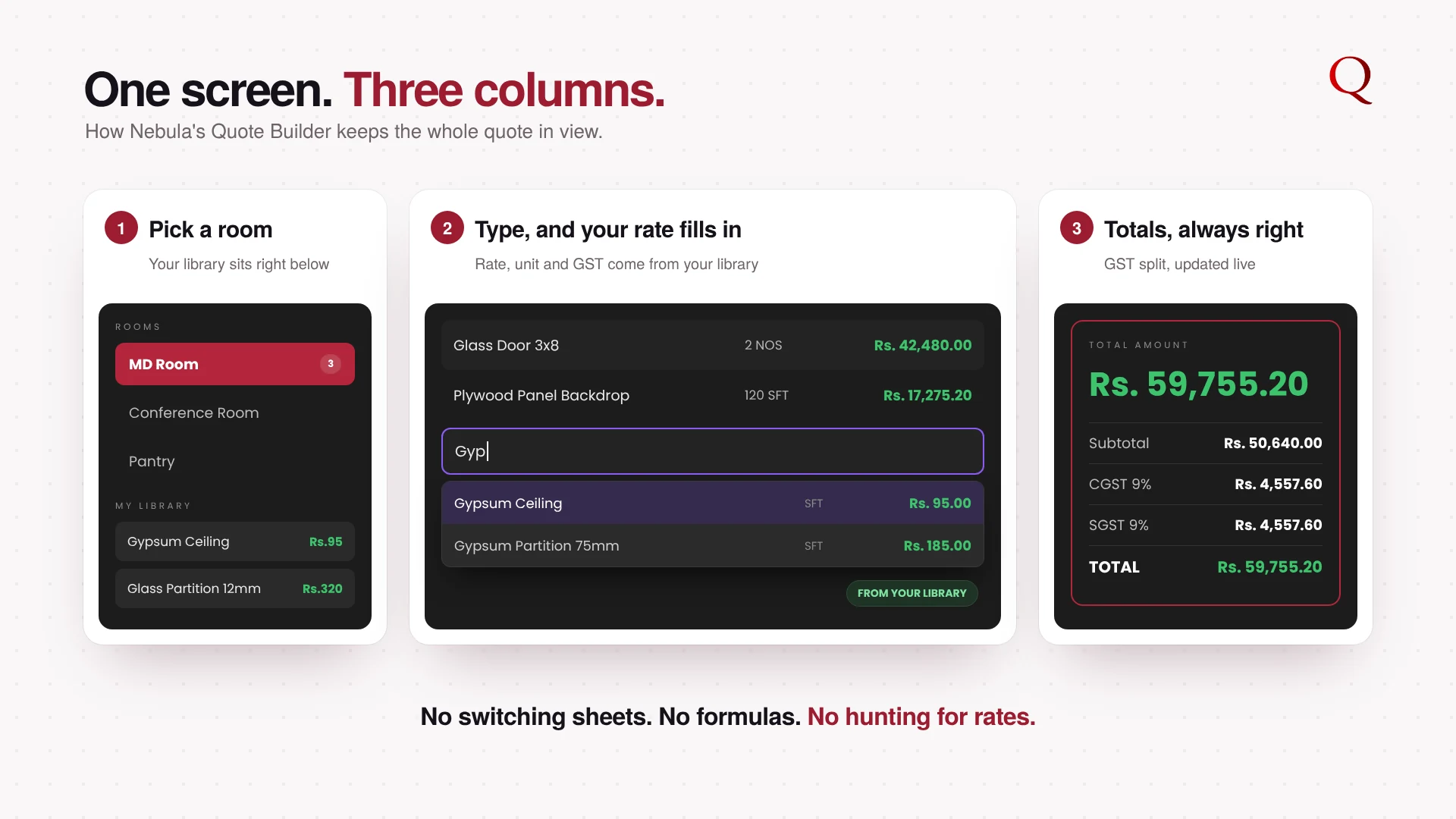
The Quote Builder keeps everything on one screen. Rooms and your library sit on the left. The item table is in the middle. Client details and live totals are on the right. You never jump between sheets to find a number.
Build room by room
Click + Add Room and pick a preset room, such as Living Room, MD Room, Conference Room or Pantry, or type your own. Each room gets its own table with Description, Brand, Qty, Unit, Rate, GST % and Amount. Clients read their quote the way they think about their home or office: room by room.
Start from the floor plan, not a blank page
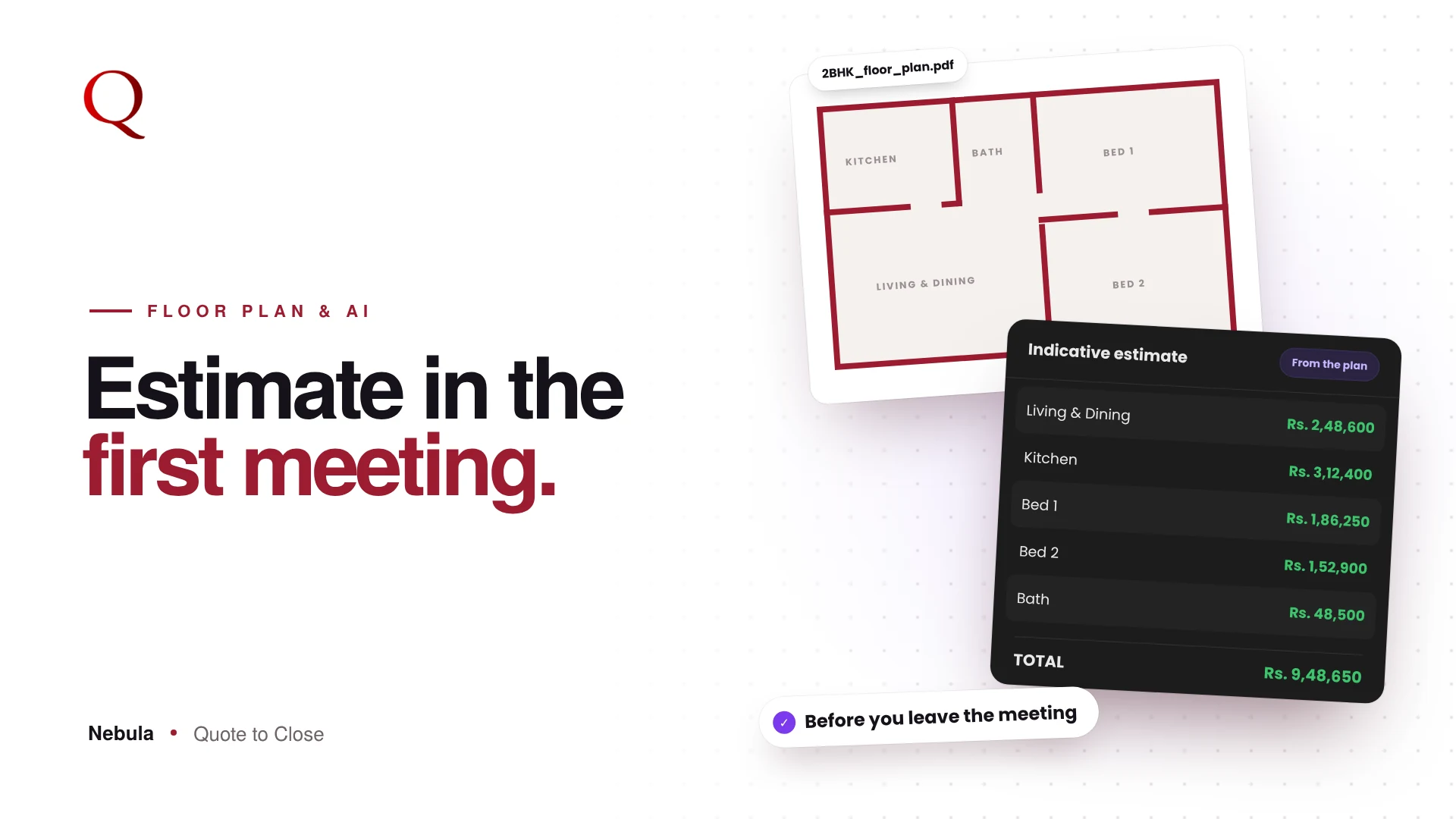
You do not have to add every room by hand. Upload the client's floor plan to the Floor Plan Analyzer and Nebula drafts the rooms and the materials each one needs. Where an item matches your library, your own rate is used. You review the draft, adjust what you want and apply it to the Quote Builder in one click.
Your rates fill in as you type
Start typing an item and Nebula suggests matching items from your own library, with your rate, unit and GST already filled. You can also click or drag an item from My Library straight into the table. Saved a whole room before? Add it again from the Rooms tab in one click.
Totals that are always right
Every change updates the room total and the grand total instantly. The right panel shows the subtotal, CGST, SGST and the final total. With GST: Auto, each item keeps its own GST rate, or you can apply one rate to the whole quote. The numbers come from fixed rules, so they are exact every time.
Measure inside the quote
Dim Calc converts a length and width in mm, cm, m, ft or inches into the row's unit and fills the quantity for you. No calculator, no unit mistakes.
A client-ready PDF, not a spreadsheet
When the rooms are ready, Generate Quotation saves the quote and opens Preview. Pick a template and it becomes a branded PDF with your logo, room sections and a clear totals box, ready to send on WhatsApp. A quote that looks finished is easier for a client to approve, because it already feels like the work of a professional studio. Your work is saved as a draft along the way, so a refreshed tab never costs you a quote.
Why this wins projects
- Speed: you reply while the client is still excited about the project
- Clarity: a room-wise quote answers questions before they are asked
- Trust: consistent rates and exact GST show a professional studio
Questions studios ask
Do I need to set up a rate list first?
It helps, but you can start quoting right away. Import your existing rate card from Excel or PDF when you are ready, and every new quote picks up those rates.
Can I still edit everything by hand?
Yes. Every room, item, quantity and rate stays editable. The floor plan draft and library suggestions save time; you make the final call.
What happens when the client asks for changes?
Save the change as a new version. The earlier quote stays as it was, so there is never confusion about which version is final.
Read next
- Floor Plan to BOQ in Minutes: How Nebula's AI Floor Plan Analyzer Works
- A quote that looks like your studio
A designer's note
When I started designing Nebula, I watched how quotes actually get made. The design work was never the slow part. The slow part was everything around it: finding the last rate, fixing a formula, checking GST twice. So I designed the Quote Builder around one rule: everything you need stays on one screen. Rooms, items and totals sit side by side, so your eyes never leave the quote. Every second saved there goes back into design, and into replying to the client sooner.
Try Nebula: jetrow.in/products/nebula