Most quotes disappear the moment you send them. The PDF goes out, and then you wait. Did the client open it? Did they forward it to their partner? Are they comparing it with someone else’s? You find out only when they reply, if they do.
Nebula is built around that gap. Sending a quote is where the tracking starts.
One click to a ready-to-send message
When your quote is ready in Preview, press Send to Client. Nebula opens a window with the client’s name and number, and a ready-written message containing the quote link.
The message is fully editable, with a character count, so you can make it sound like you. Then you have two choices:
Open WhatsApp opens a chat with the client and your message already filled in. Copy Message copies the text so you can paste it anywhere.
The message goes from your own WhatsApp, in your own voice, to the number your client already uses.
What your client sees
The link opens a quote page with no login, no account and no app to download, on any device.
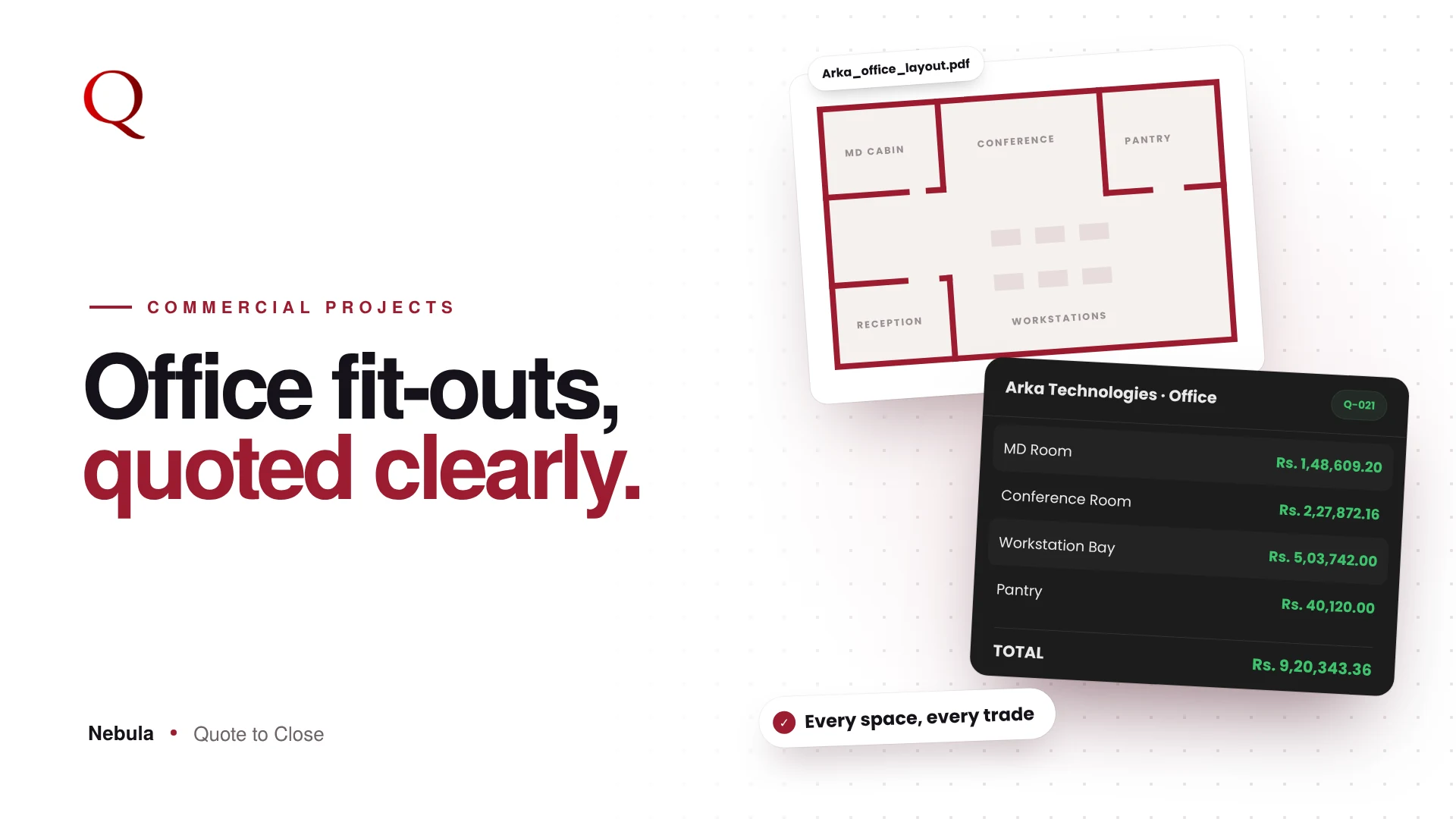
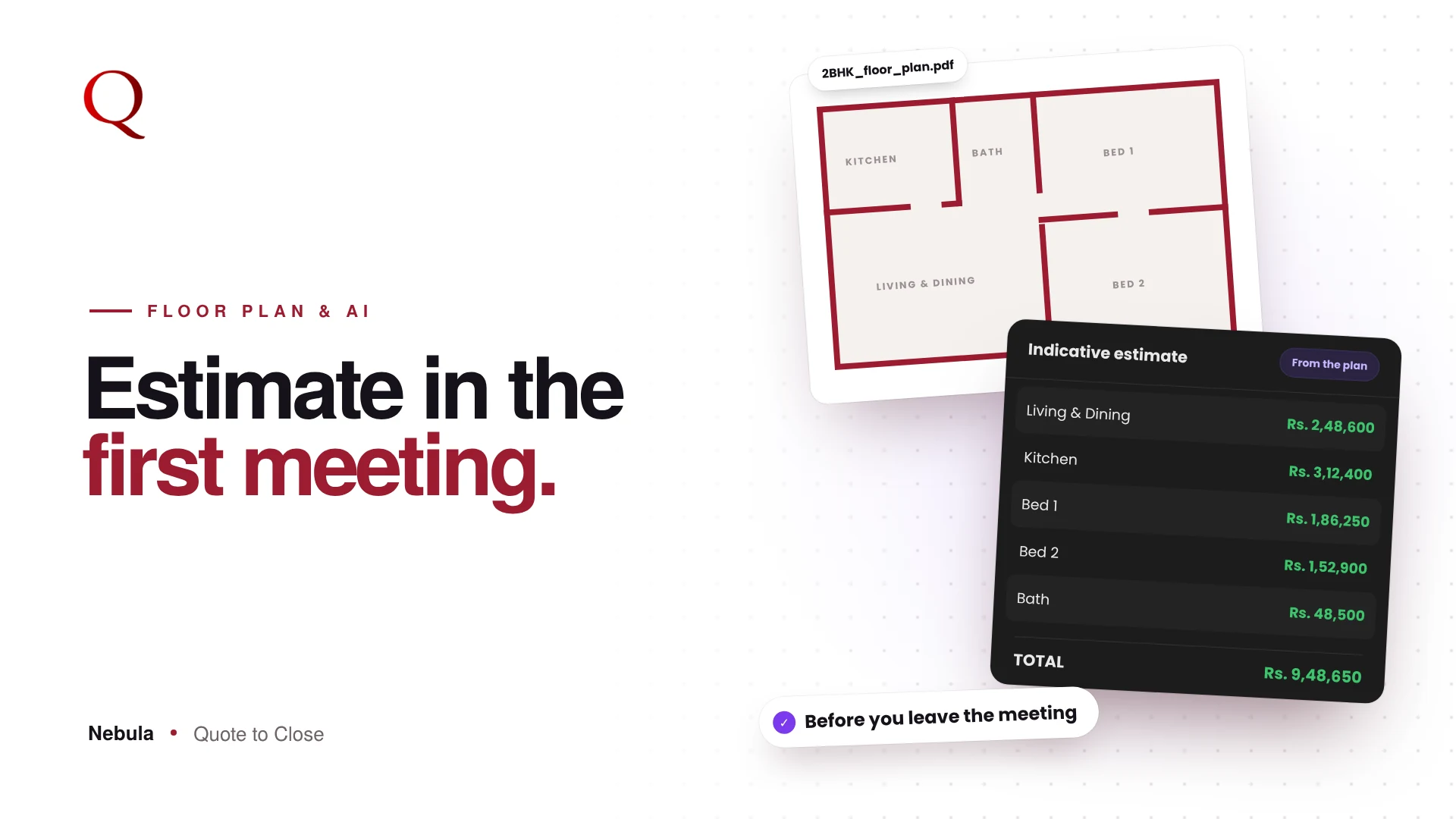
The quote appears in your chosen template and branding, with rooms, items, totals and payment terms. Below it are your “Why Choose Us” points, so your selling points sit right next to the price. Clients can download a PDF copy for their own records.
They can also respond in three ways:
Accept Quotation marks the quote as accepted, and you see it immediately. Request Revision tells you changes are wanted. Chat with your designer opens a conversation on the quote itself, so questions like “Can we swap this finish?” arrive in your Chat module instead of getting lost in a long WhatsApp thread.
Clients can even approve the quote from inside the chat, and undo it if they change their mind.
A quote that lives on their phone
After opening the quote, clients can tap Install App to add it to their home screen, with a simple step guide for iPhone users. From then on, it opens straight to their quote and the conversation with you. They can approve or reverse approval, send you a message, or jump to WhatsApp with one tap.
What comes back to you
Everything the client does on that link returns to the studio:
Every open is recorded with the time and device. Replies arrive live in Chat, with an unread badge in the top bar. Accepted quotes and revision requests show up in your Client Hub straight away.
If a link is expired or wrong, the client sees a clear “Quote not found” page rather than a confusing error.
Why it matters
Sending a quote becomes the start of a conversation, with an approval one tap away and a record of what happened. You spend less time wondering and more time following up with the right people.