An interior design sales pipeline only helps if its stages match how your projects actually move. Generic CRMs offer stages like "Qualified" and "Closed Won". Nebula uses the stages an interior studio already talks about.
Why interior studios need their own pipeline stages
An interior project is not a quick sale. It moves through a site visit, a design discussion, a quote, revisions, a confirmation and weeks of work on site. A pipeline with generic stages hides exactly the moments where projects get stuck, such as the gap between a site visit and a quote. Stages named after real steps make those gaps visible.
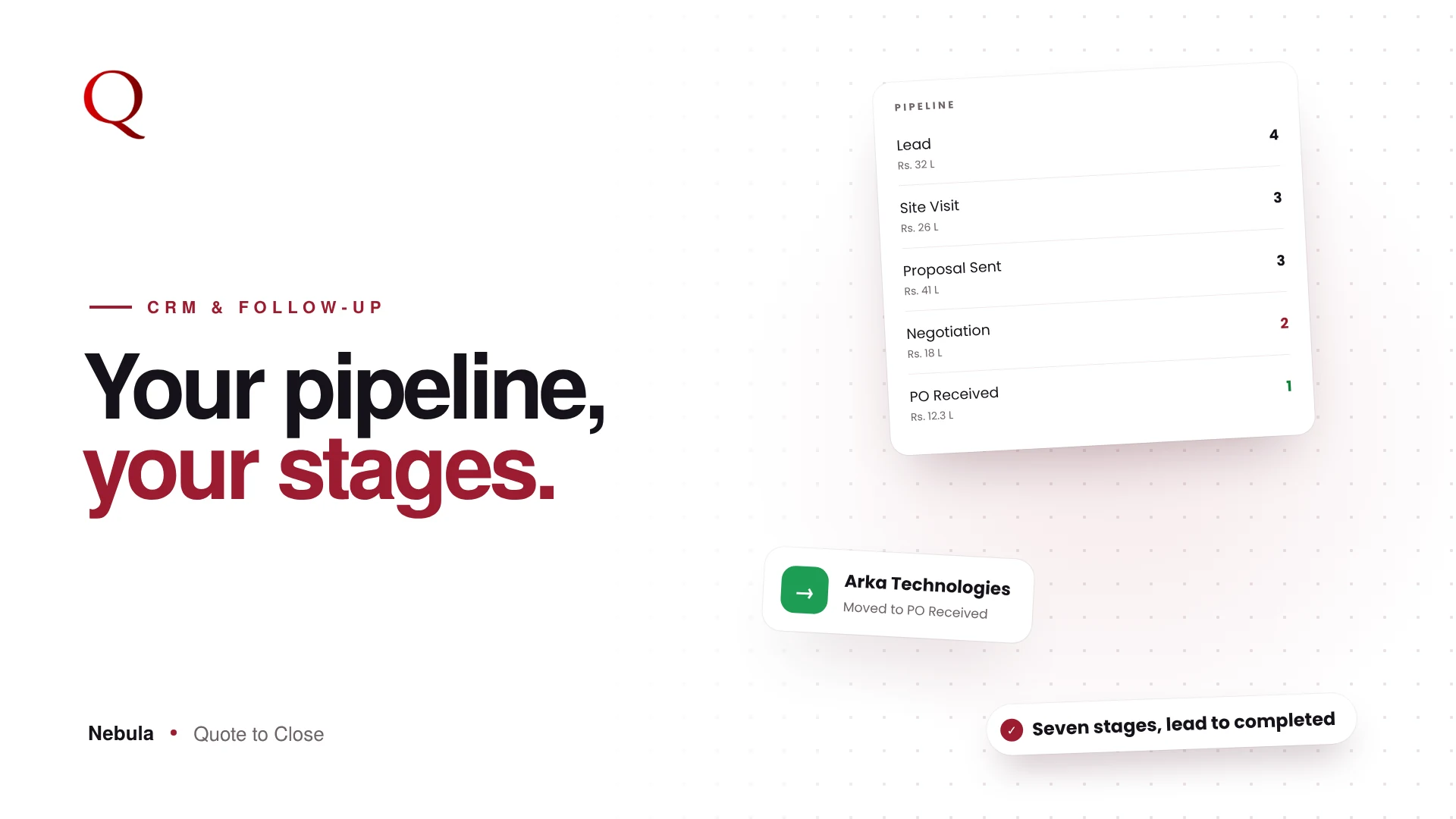
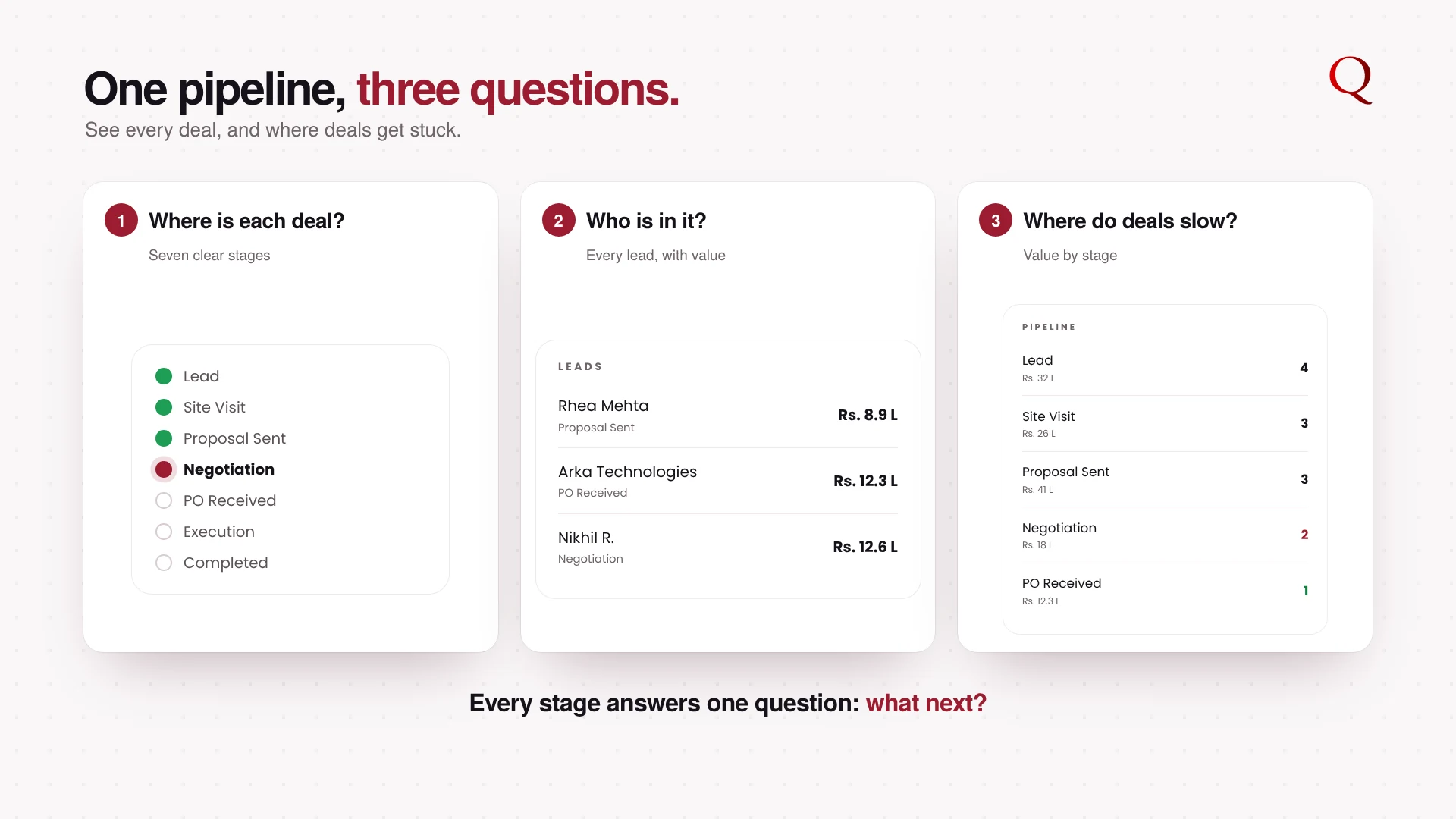
The seven stages
- Lead: a new enquiry. Call, understand the scope, book a visit.
- Site Visit: you have seen the space. Measure, share ideas, prepare the quote.
- Proposal Sent: the quote is with the client. Watch views, follow up on time.
- Negotiation: the client is discussing scope or price. Offer versions, answer questions.
- PO Received: the client has confirmed. Raise the invoice, plan execution.
- Execution: work is on site. Track payments and milestones.
- Completed: the project is handed over. Ask for a review or a referral.
Move deals with a drag
In Kanban view, each stage is a column. Drag a deal to the next stage as the project moves. The List view shows every lead in a table with stage, priority, value, phone and date.
See where the value is
The CRM dashboard shows a pipeline bar by stage and the total pipeline value, so you know how much work is close to closing and where deals tend to get stuck.
The stage that decides most deals
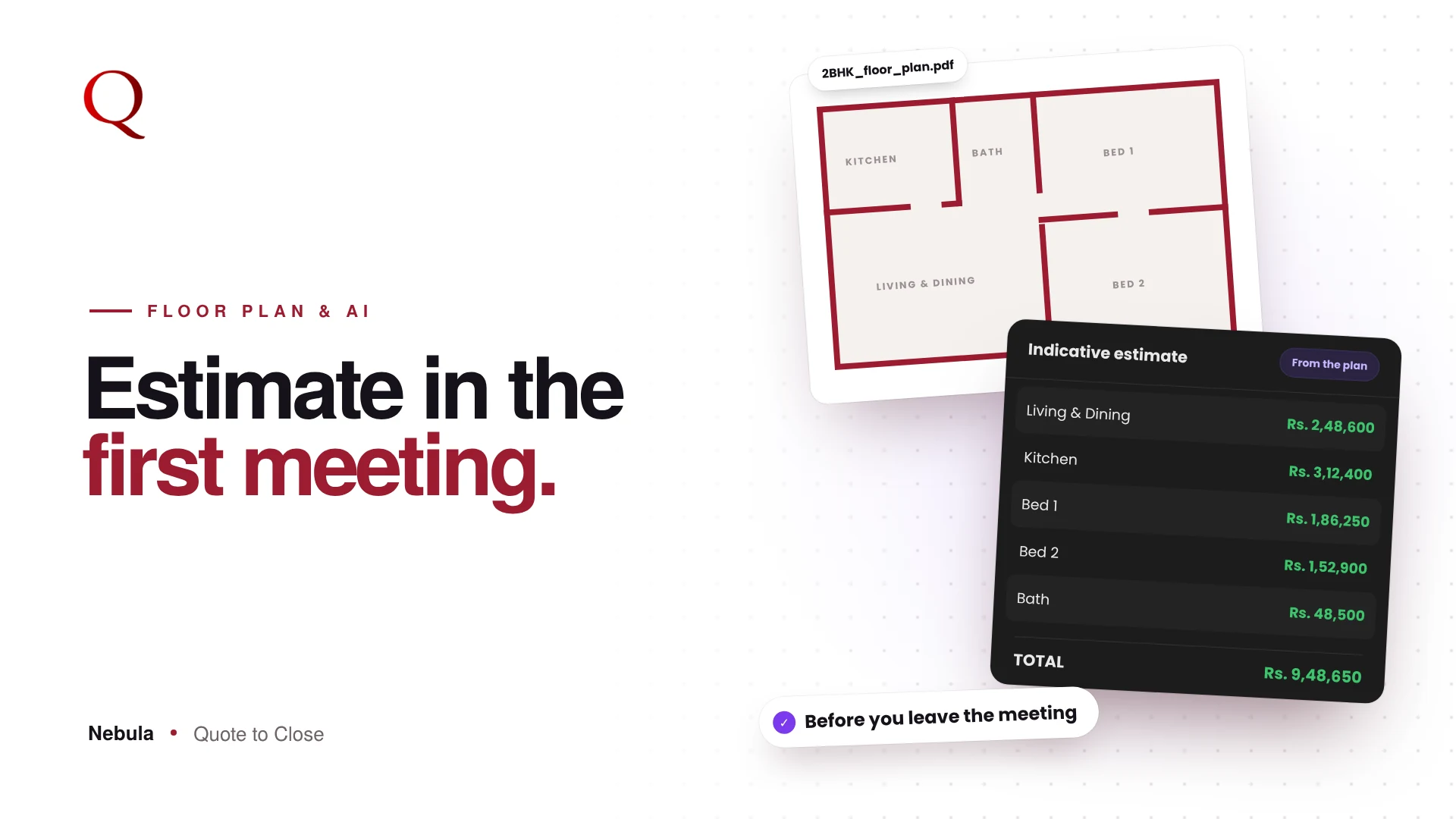
In many studios, deals pile up in Site Visit because the quote takes days to prepare. Nebula is built to shorten that stage. The Floor Plan Analyzer drafts the rooms and materials from the client's plan, your library prices them, and Preview turns them into a branded, room-wise PDF. The deal can move to Proposal Sent the same day, and a clear, professional quote is what moves it on to PO Received.
Why this wins projects
When every deal sits in a clear stage, nothing is forgotten between the site visit and the proposal, or between the proposal and the follow-up. And you can see which stage needs your attention this week.
Questions studios ask
Can I see all leads in a table?
Yes. List view shows every lead with stage, priority, value, phone and date.
How do I know where deals get stuck?
The pipeline bar on the CRM dashboard shows how many deals and how much value sit in each stage.
Does moving a deal change the quote?
No. Stages track the deal; the quote and its versions stay as they are.
Read next
- CRM for Interior Designers: From First Lead to Completed Project
- When to Follow Up on a Quotation: Hot Lead Alerts That Win Projects
A designer's note
Each stage in Nebula answers one question: what should I do next for this client? That was the test I used when designing them. If a stage did not suggest a clear next action, it did not belong. A pipeline should not just record the past. It should point to the next step.
Try Nebula: jetrow.in/products/nebula