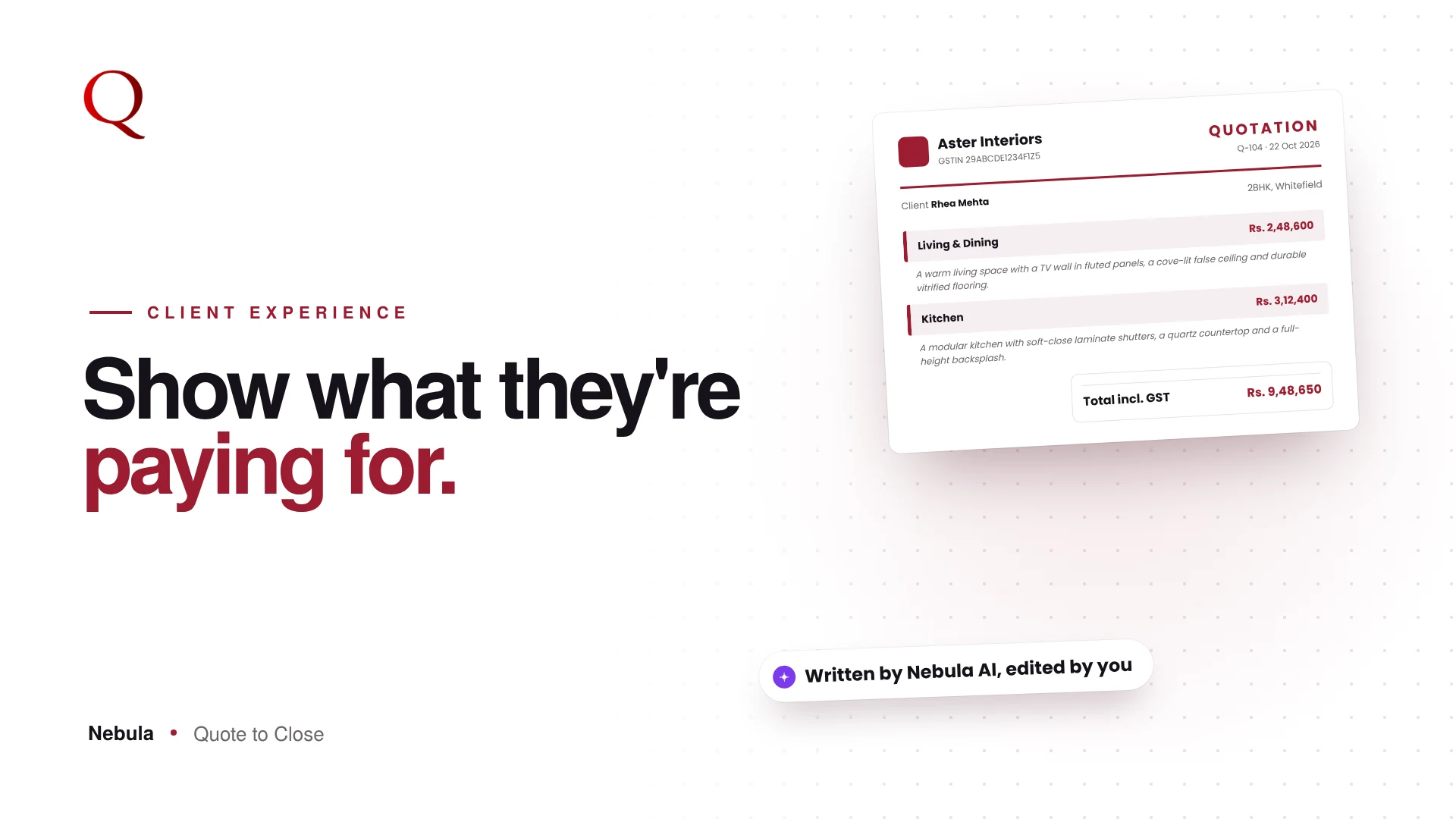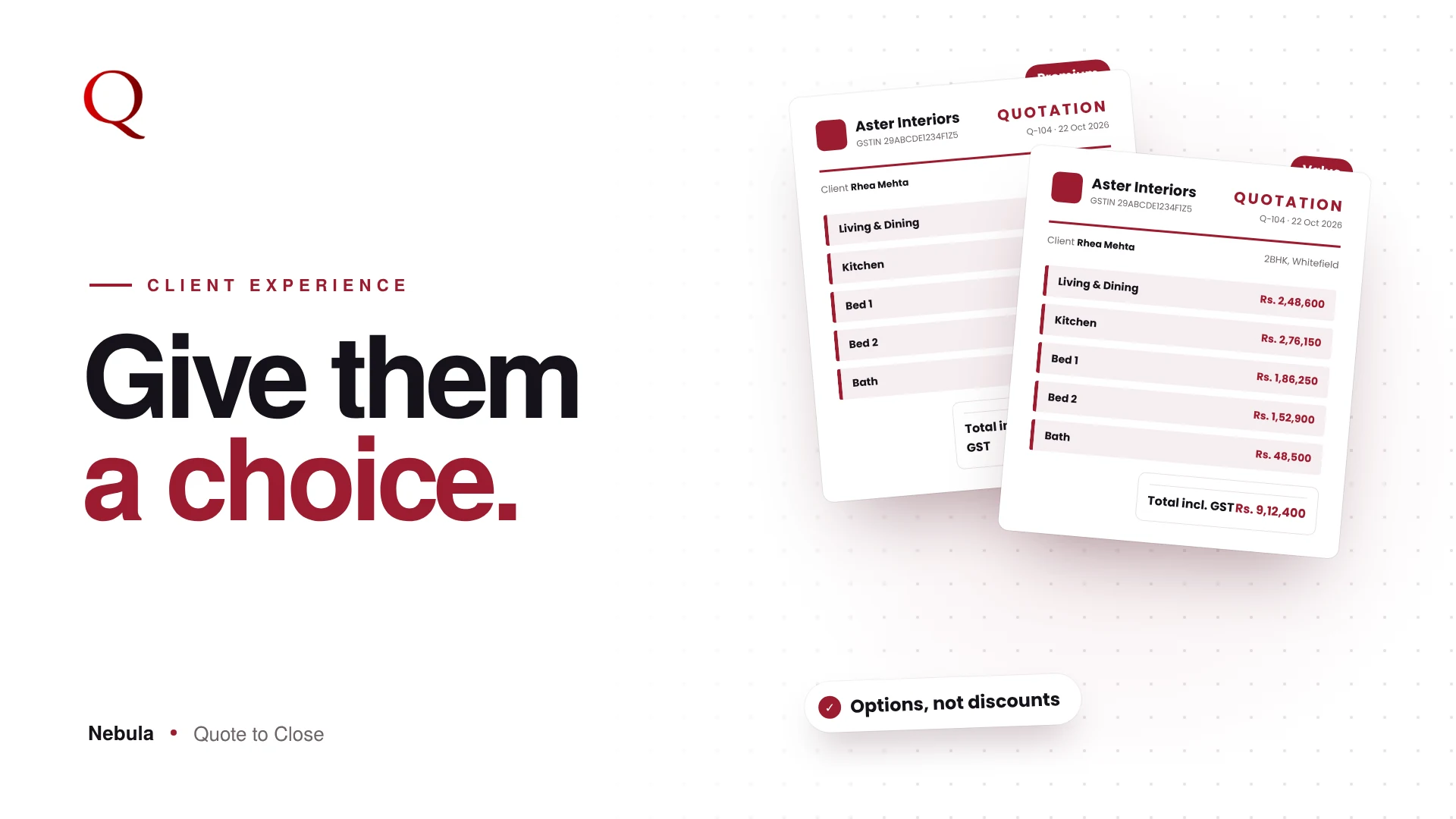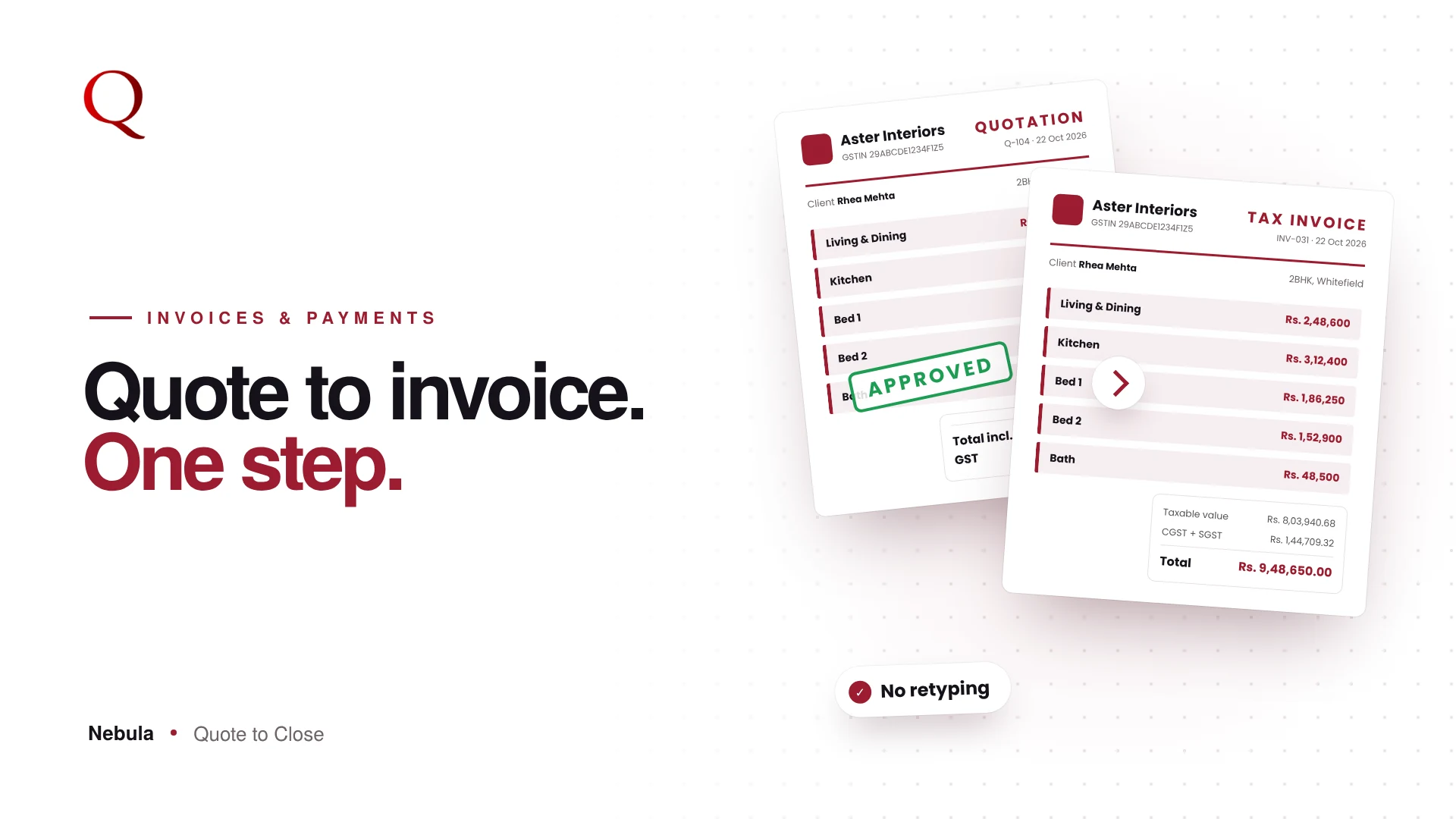
Going from quotation to invoice should be the easiest step of a project, yet it is where many studios make avoidable mistakes. The client said yes. Now the quote has to become an invoice, and many studios retype it into another template, recalculate GST and track payments in a notebook. Nebula keeps the quote and the invoice connected.
What goes wrong between quotation and invoice
When the invoice is made separately from the quote, small gaps appear:
- An item or quantity is typed differently
- GST is recalculated and comes out a few rupees off
- The client's details are copied with a typo
- Payments are tracked in a notebook or a separate sheet
Each gap gives the client a reason to pause, and pauses delay payment.
Create the invoice from the quote
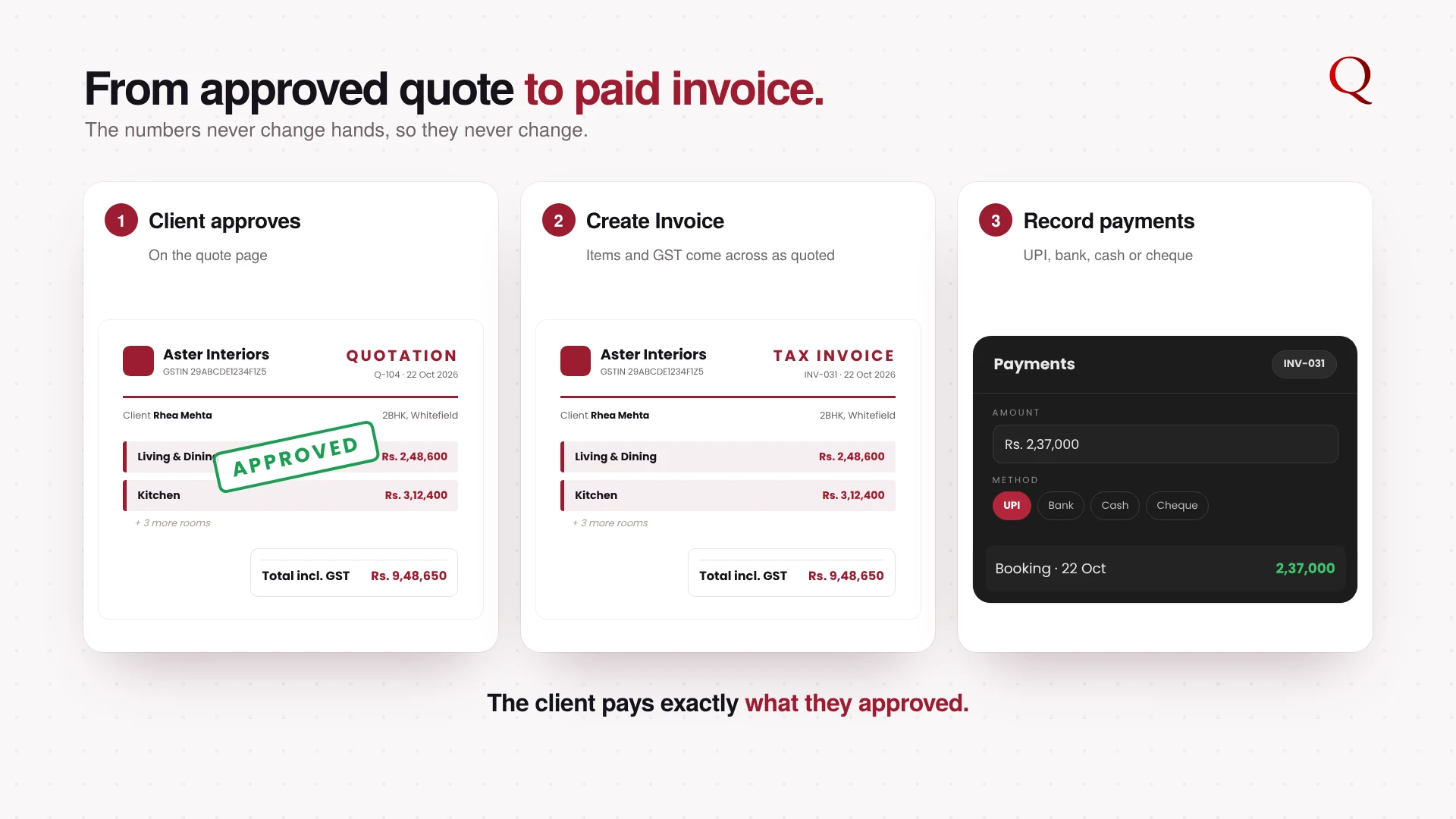
When a quote is approved, Create Invoice appears in the client's chat. In Invoices, New creates an invoice from an approved quote, with client details, items and totals filled in. GST comes across exactly as quoted.
Send it where the client is
Open the print-ready invoice with Print / PDF, or send it straight to the client on WhatsApp.
Track every payment
Set a due date. When money comes in, Record Payment logs the amount, date and method: UPI or GPay, bank transfer, cash, cheque, card or other, with a note. The payment history shows every payment and the balance remaining.
See your collections at a glance
The Invoices stats bar shows totals, unpaid, partial, paid and overdue invoices, total value and amount collected.
One flow from floor plan to payment
The invoice is the end of a single path in Nebula. The Floor Plan Analyzer drafts the rooms, your library prices them, Preview turns them into a branded quote, the client approves it from their phone, and the invoice is created from that same approved quote. Because nothing is retyped along the way, the numbers the client approved are the numbers they pay. That consistency is what builds the trust behind the next referral.
Why this wins projects
Winning the project is only half of it; getting paid on time is the other half. A professional invoice that matches the approved quote line for line leaves the client nothing to question, and clear payment tracking keeps cash flowing into the next project.
Questions studios ask
Can I record part payments?
Yes. Record Payment logs each payment separately, and the invoice shows the balance remaining.
Which payment methods can I record?
UPI or GPay, bank transfer, cash, cheque, card or other, each with an optional note.
Does the invoice keep the same GST as the quote?
Yes. GST comes across exactly as quoted.
Read next
- CRM for Interior Designers: From First Lead to Completed Project
- Interior Design Quotation Template: Branded Quotes That Look Premium
A designer's note
Retyping a quote into an invoice is the kind of task that feels small and causes big problems: one changed number and the client loses trust. So I designed the invoice to come from the approved quote, never from scratch. The client sees the same items and the same totals they agreed to. For the studio, it removes a whole retyping step and the mistakes that come with it.
Try Nebula: jetrow.in/products/nebula