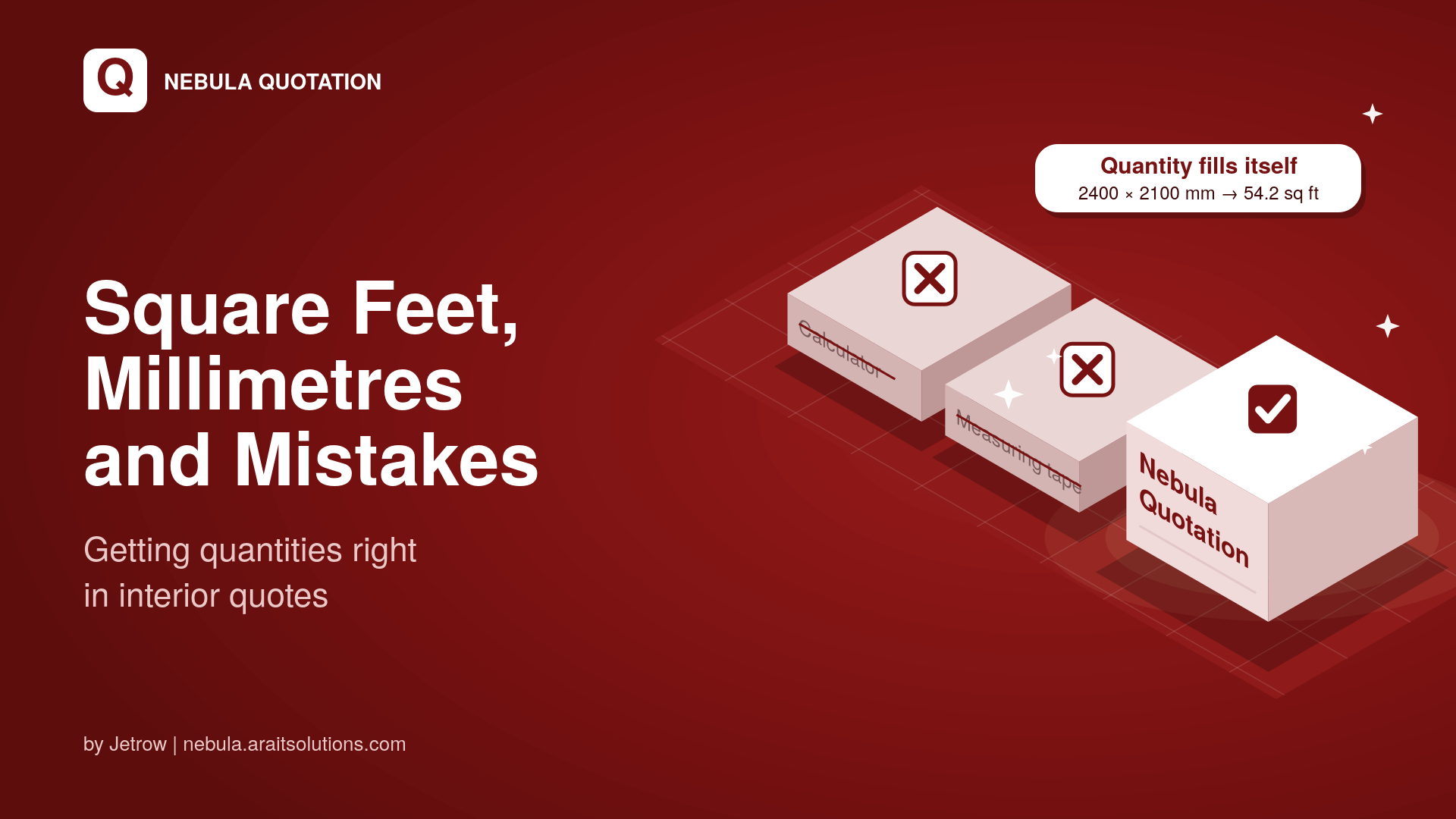
You measure a wardrobe wall on site: 2400 mm wide, 2100 mm high. Back at the desk, your rate is per square foot. So you open a calculator, convert millimetres to feet, multiply, round off and type the answer into the quote. Then you do it again for the next wall. And the next room. Somewhere in those fifty conversions, one number goes wrong. Why quantity mistakes hurt A wrong quantity does not look dramatic on paper. But it quietly changes the price, and you usually find out when the work is half done. Quote too low, and you lose margin on the project. Quote too high, and the client compares you with a cheaper studio. Mixed units, such as mm in one row and feet in another, make the quote confusing to read. Let the calculator do the converting Nebula Quotation, the quick quotation tool by Jetrow, has a built-in dimension calculator for every item row. Enter the length and width in mm, cm, metres, feet or inches. Nebula converts it to the unit that row uses. One click on Apply fills the quantity, so the rate and amount update on their own. If your saved items have messy units like "sqft", "sq.ft" and "SFT", a one-click clean-up in the library makes them consistent.
Perspective
Square Feet, Millimetres and Mistakes: Getting Quantities Right in Interior Quotes
The site measurements are in millimetres, the rates are per square foot, and one wrong conversion can eat your margin. Here is how interior designers can get quantities right the first time, and how Nebula Quotation helps.